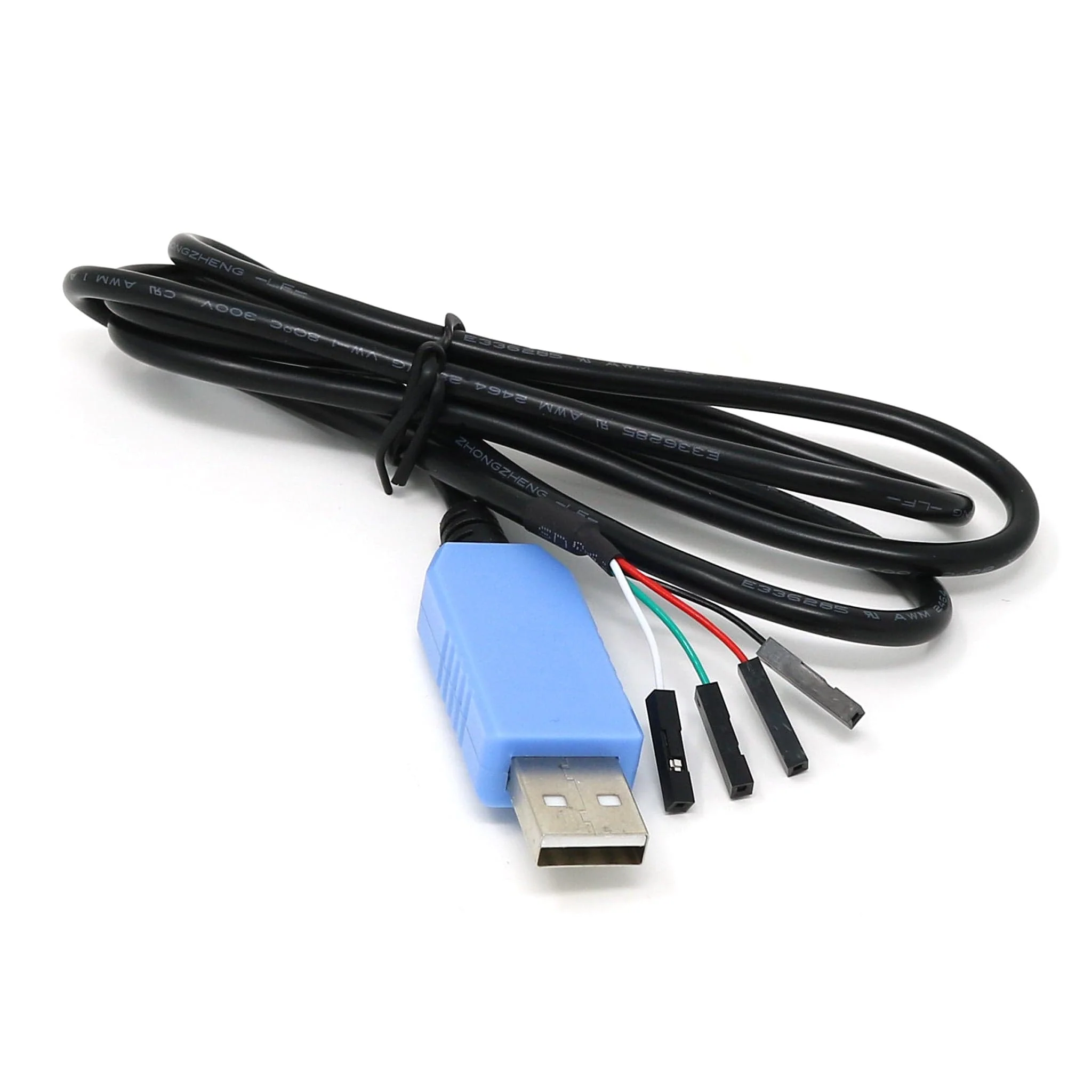
USB to TTL Serial Cable for Raspberry Pi
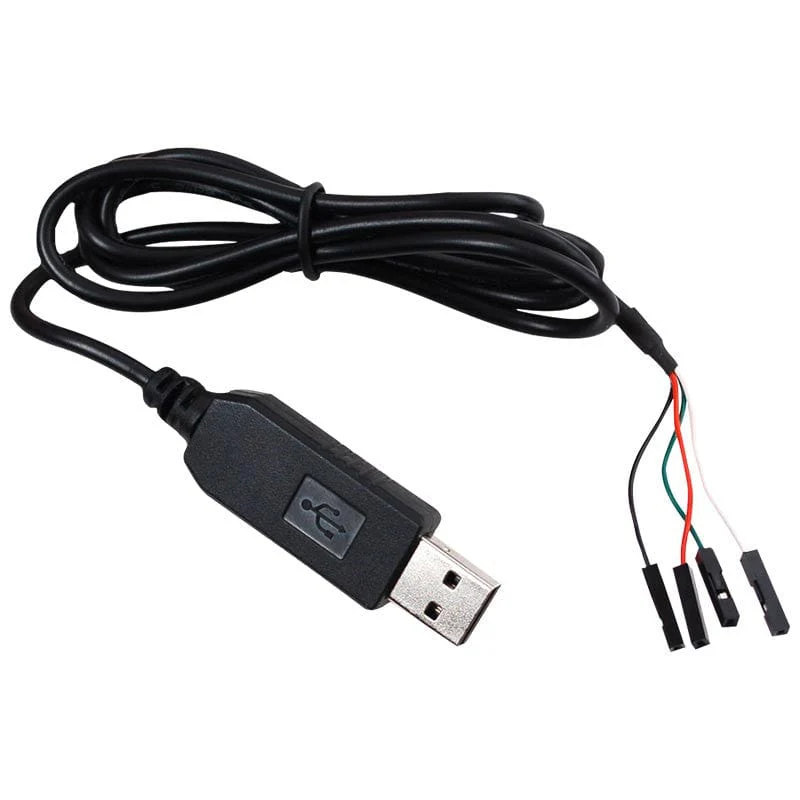
USB to TTL serial cables allow you to connect to your Raspberry Pi or microcontroller serial console port.
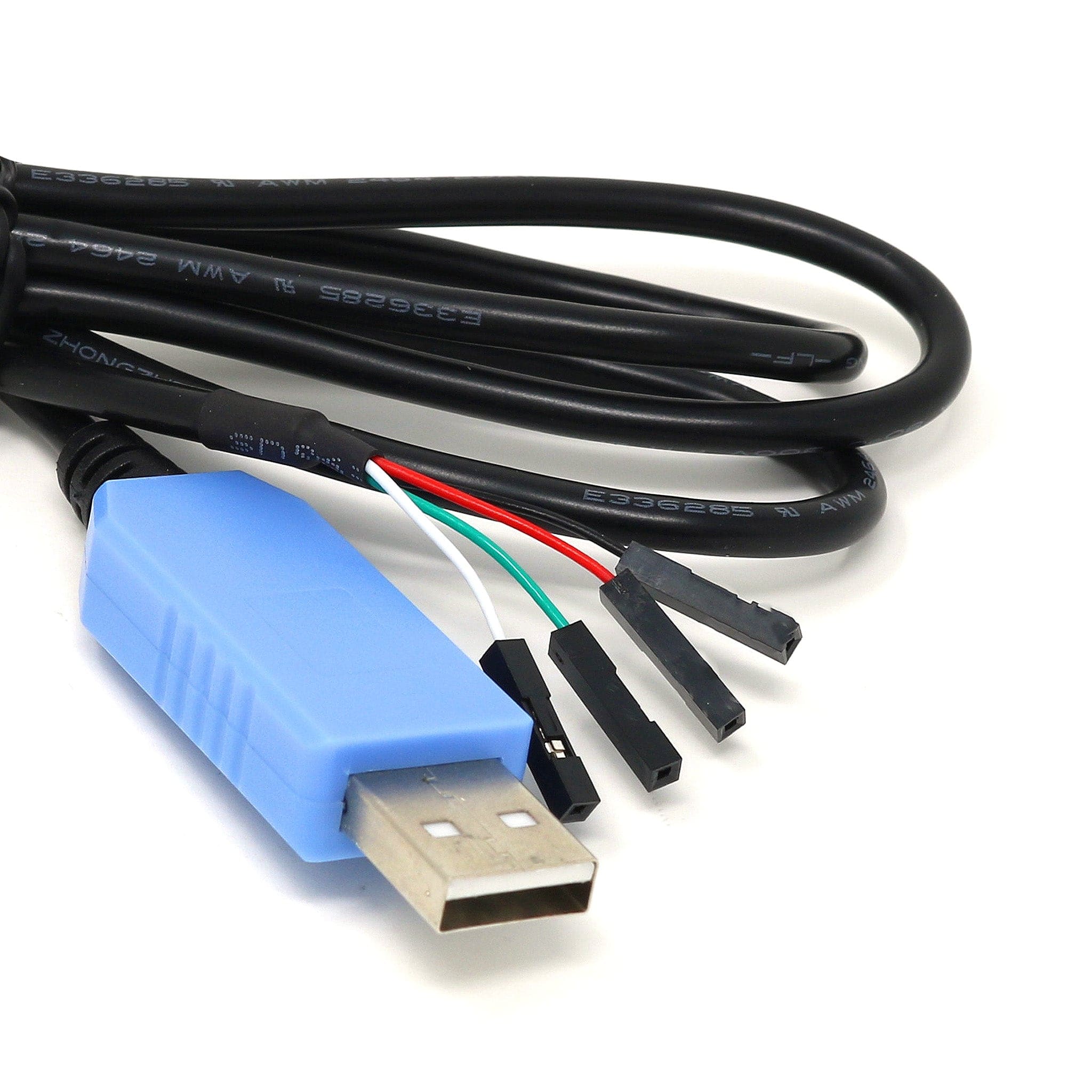
The main body has a USB serial conversion chip, and the other end has four wires to hook up to your target board:
- Red = power
- Black - GND
- White = RX (into USB port)
- Green = TX (out of USB port)
The power pin provides 5V 500mA direct from the USB port and the RX/TX pins are 3.3V for interfacing with most common 3.3V logic level chipsets.
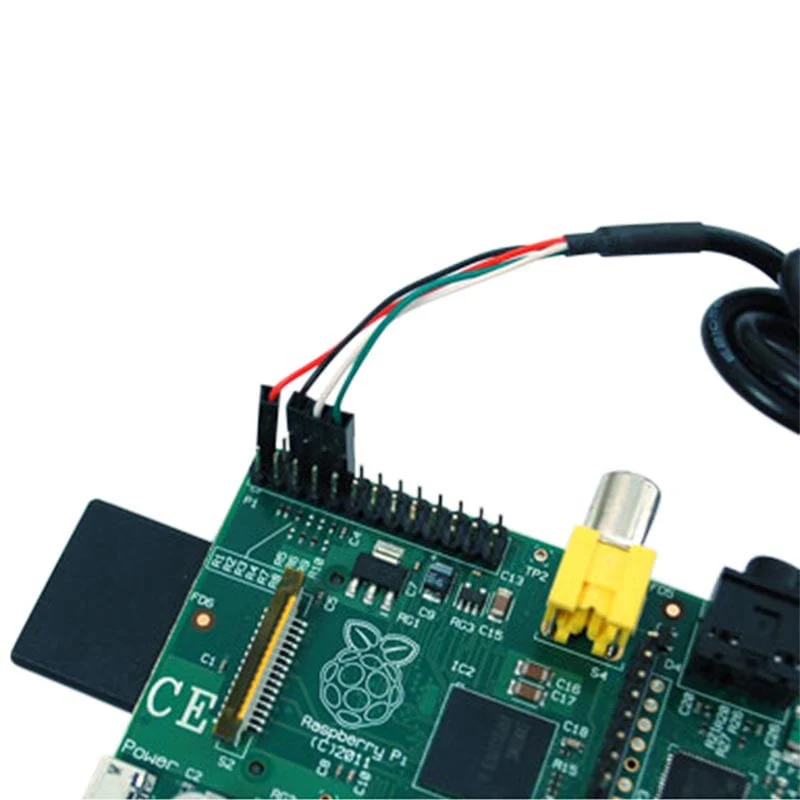
The split jumper wires make it easy to hook up to a Raspberry Pi's debug console. Just connect the wires to the correct pins to set up a link to your board. You can even use these cables on some WiFi routers to install alternative operating systems.
This cable is not for Arduino re-programming - it does not have the DTR/RTS wire necessary for initiating the bootloader reboot sequence. Use FTDI instead.
Resources
If you are running Linux, drivers are already included in the kernel, no need to install anything!
- Windows tutorial page with links to drivers for both PL2303 and CP2102
- Mac OS Xtutorial page with links to drivers for both PL2303 and CP2012
- PL2303HX.D datasheet
- PL2303TA datasheet
- CP210X Serial Communication Guide
- SiLabs CP210X product pages
Revision History
-
As of December 2016 we will be shipping cables with SiLabs CP2012 chipset instead of Prolific
Product Information
Product Information
Shipping & Returns
Shipping & Returns
Description
USB to TTL serial cables allow you to connect to your Raspberry Pi or microcontroller serial console port.
The main body has a USB serial conversion chip, and the other end has four wires to hook up to your target board:
- Red = power
- Black - GND
- White = RX (into USB port)
- Green = TX (out of USB port)
The power pin provides 5V 500mA direct from the USB port and the RX/TX pins are 3.3V for interfacing with most common 3.3V logic level chipsets.
The split jumper wires make it easy to hook up to a Raspberry Pi's debug console. Just connect the wires to the correct pins to set up a link to your board. You can even use these cables on some WiFi routers to install alternative operating systems.
This cable is not for Arduino re-programming - it does not have the DTR/RTS wire necessary for initiating the bootloader reboot sequence. Use FTDI instead.
Resources
If you are running Linux, drivers are already included in the kernel, no need to install anything!
- Windows tutorial page with links to drivers for both PL2303 and CP2102
- Mac OS Xtutorial page with links to drivers for both PL2303 and CP2012
- PL2303HX.D datasheet
- PL2303TA datasheet
- CP210X Serial Communication Guide
- SiLabs CP210X product pages
Revision History
-
As of December 2016 we will be shipping cables with SiLabs CP2012 chipset instead of Prolific