USB to CAN Adapter
This USB to CAN adapter allows you to view, analyse and control data from your CAN Bus network via your PC (Windows/Linux/Raspberry Pi).
The adapter supports CAN2.0A (standard frame) and CAN2.0B (extended frame) with a configurable baud rate in the range of 5Kbps-1Mbps. It supports four working modes: normal mode, loopback mode, silent mode and silent loopback mode, as well as multiple data sending and receiving modes - alongside a host of other features (see full list below in the features section).
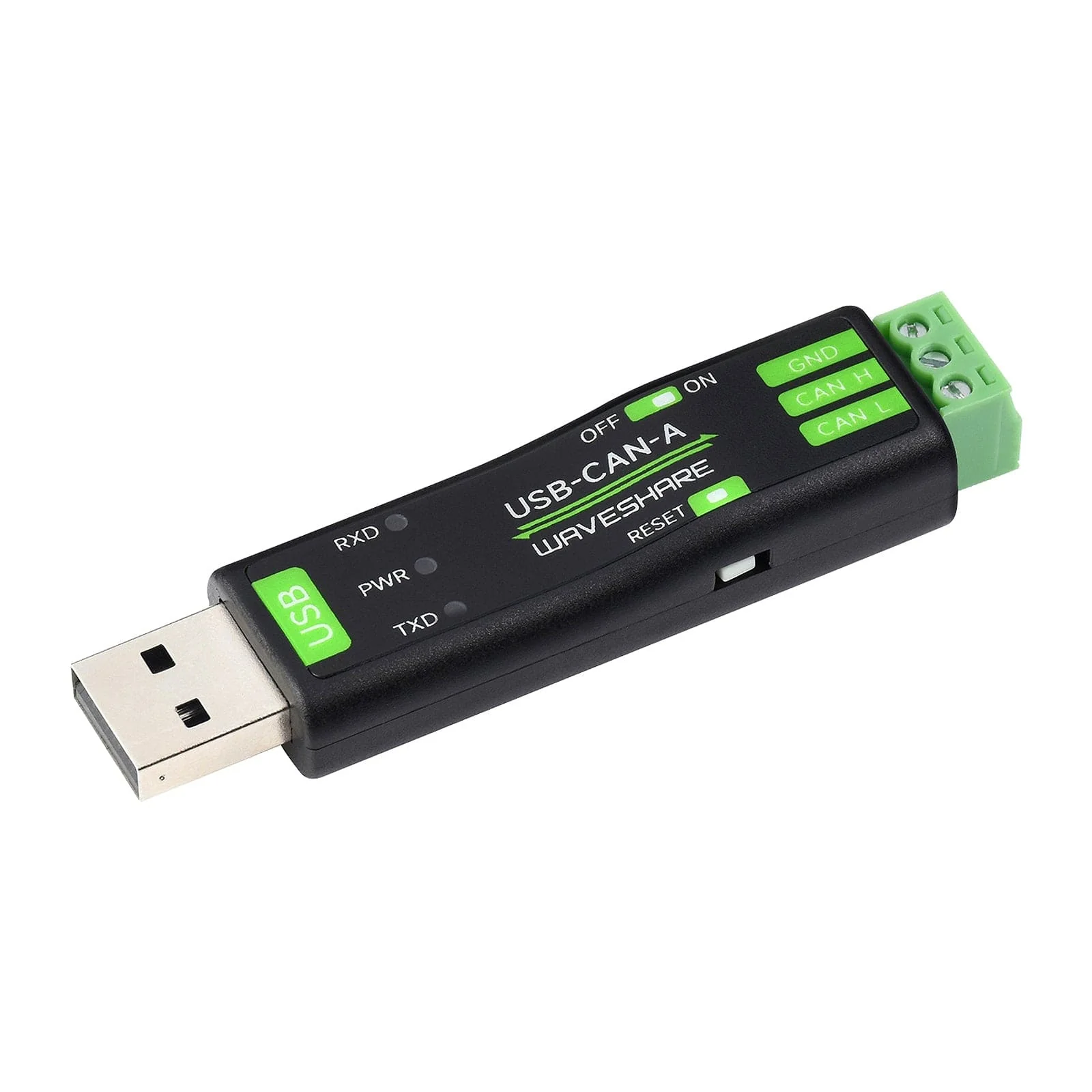
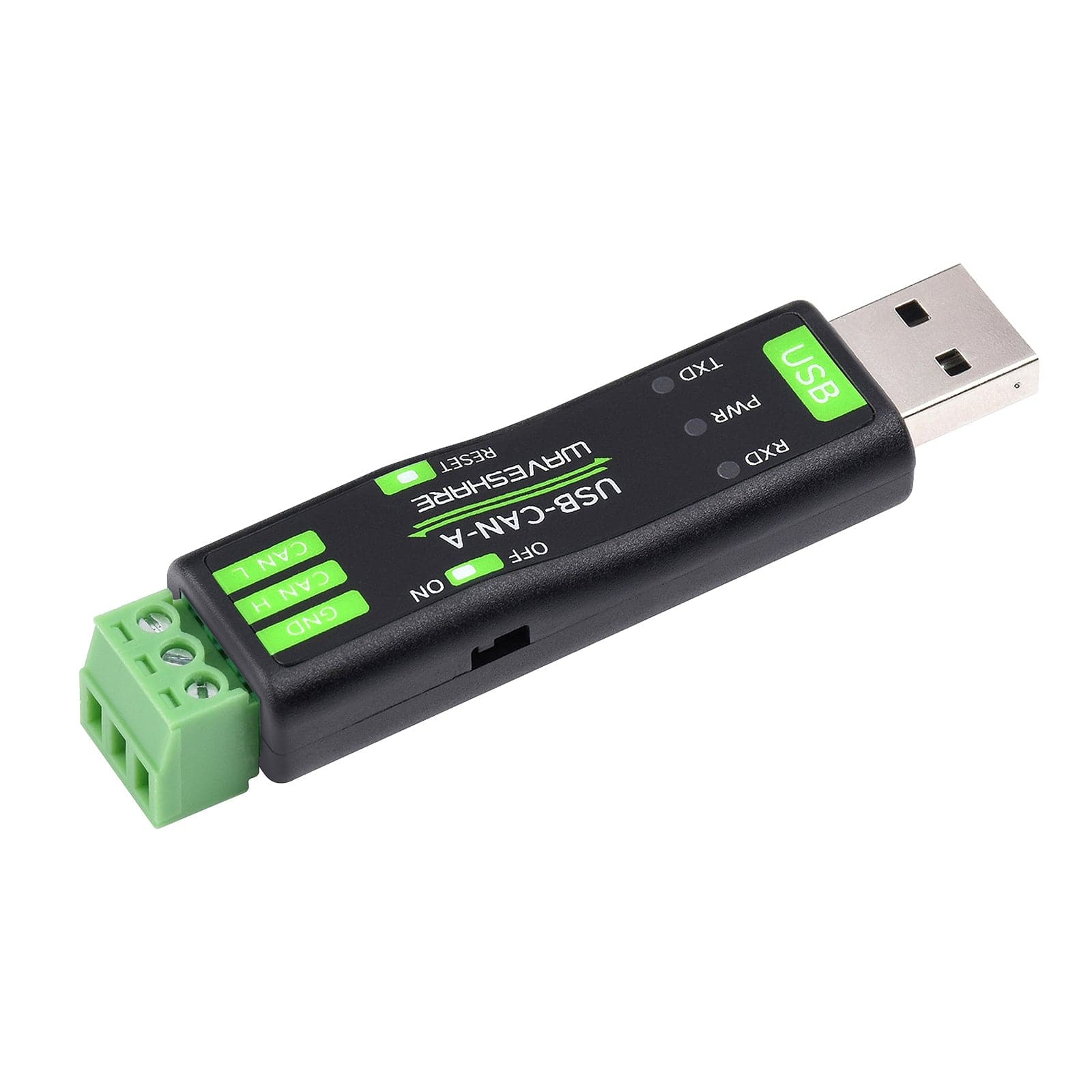
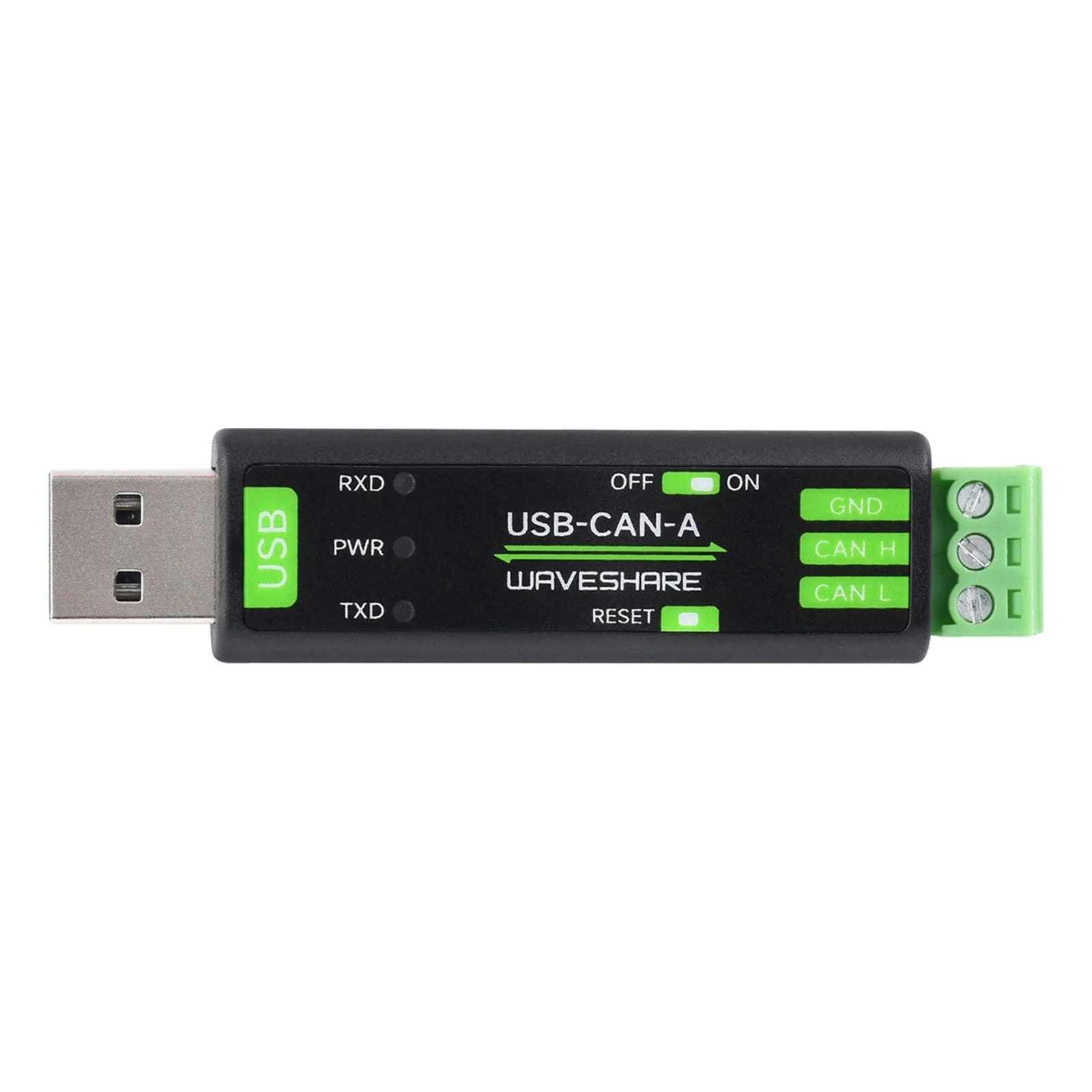
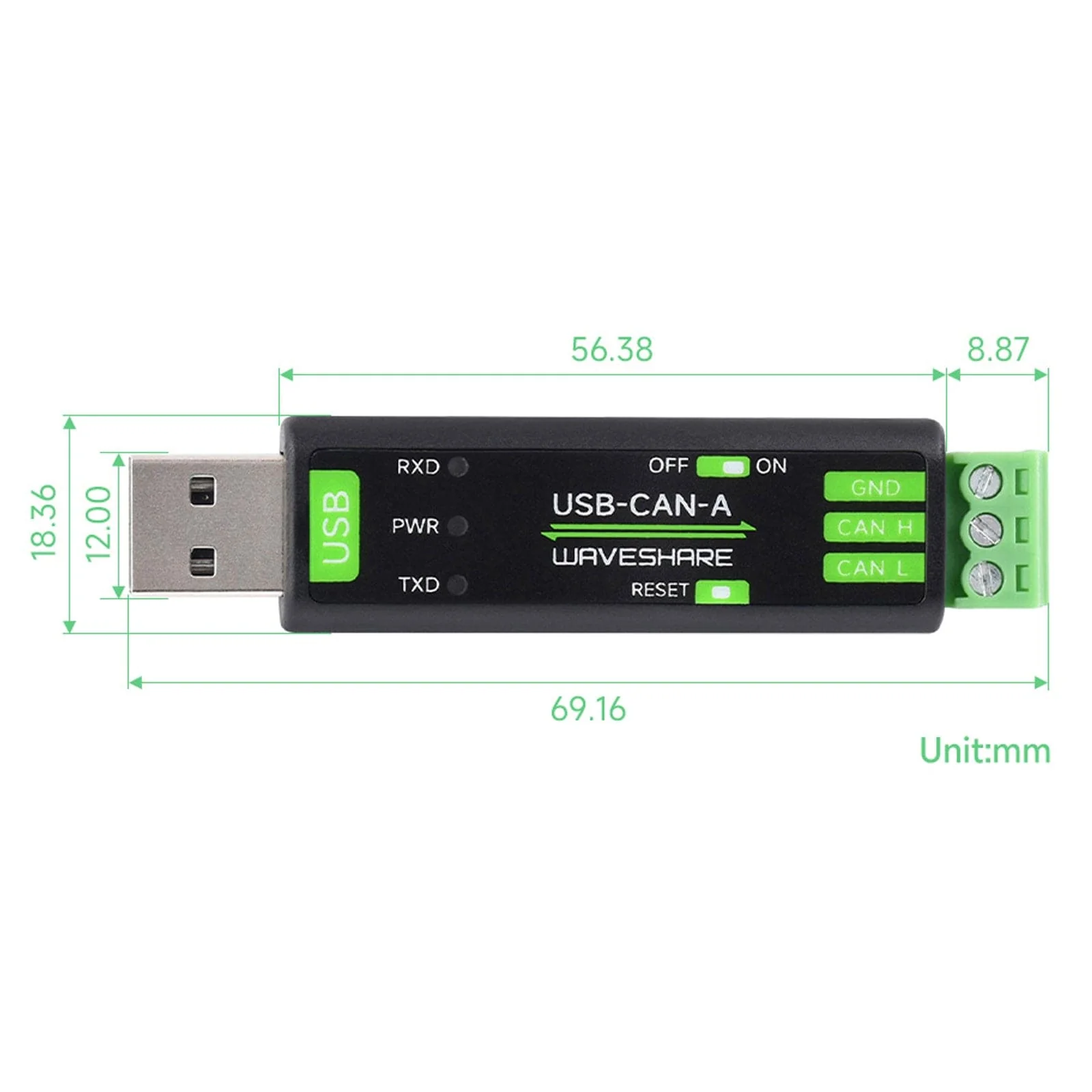
On the adapter itself, you'll find TX/RX and power indicator LEDs alongside a reset button and 120-ohm resistor switch. The screw terminal block is removable for easy installation.
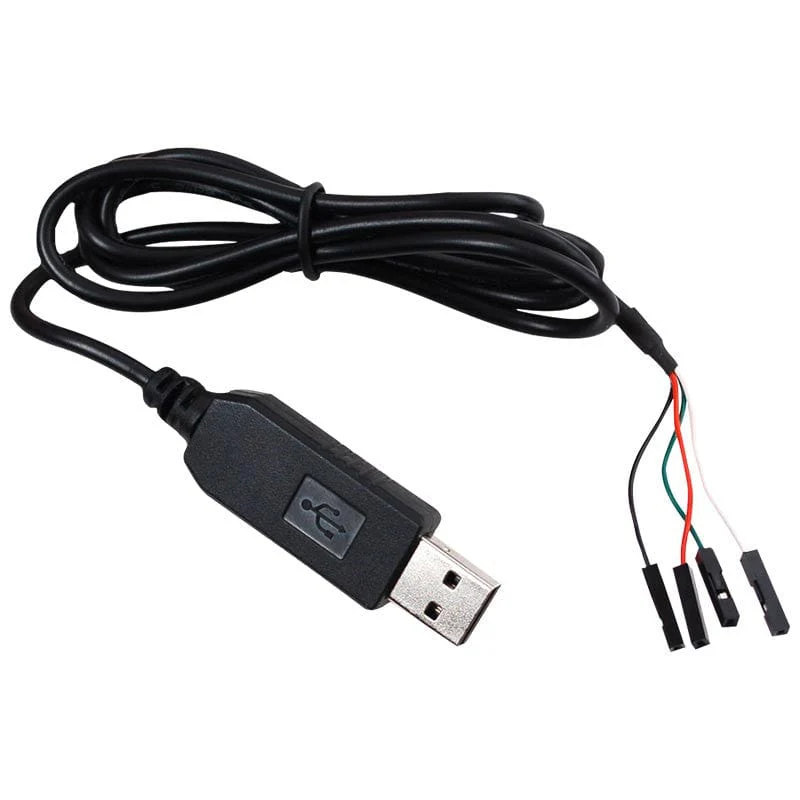
The package also includes a USB extension cable and a screwdriver.

Hardware Features

1) TX Indicator - Blinks when CAN is sending data
2) PWR Indicator - Power indicator (lights when USB is connected)
3) RX Indicator - Blinks when CAN is receiving data
4) Reset Button - Press before power on then release to restore factory settings
5) 120-ohm resistor switch - Switch to CAN terminal side to enable
Features
- Supports CAN2.0A (standard frame) and CAN2.0B (extended frame)
- CAN baud rate is configurable in the range of 5Kbps-1Mbps
- Supports 4 working modes: normal mode, loopback mode, silent mode, silent loopback mode
- Supports multiple CAN data sending modes: single frame, multiple frames, manually, regularly and cyclic sending
- Supports multiple CAN data receiving modes: can be configured to only receive data from a certain ID, or specify ID to automatically answer the configured data
- Data can be saved as TXT or Excel
- Supports CAN bus detection for status checking
- Sending/receiving CAN data with timescale, allows sequentially displaying
- Baud rate of USB virtual COM port is configurable in the range of 9600 ~ 2000000bps (2000000bps by default)
- Supports setting working parameters by configuration software or serial command, can be saved after power off
- Adopts STM32 chip solution
- Onboard TVS (Transient Voltage Suppressor), effectively suppress surge voltage and transient spike voltage in the circuit
- Comes with master computer software for Windows system, easy to use
- Easy secondary development, just need to modify the sending and receiving commands
Resources
- Product Wiki
Package Contents
- 1x USB to CAN Adapter
- 1x USB Cable ~1.5m
- 1x Screwdriver
Product Information
Product Information
Shipping & Returns
Shipping & Returns
Description
This USB to CAN adapter allows you to view, analyse and control data from your CAN Bus network via your PC (Windows/Linux/Raspberry Pi).
The adapter supports CAN2.0A (standard frame) and CAN2.0B (extended frame) with a configurable baud rate in the range of 5Kbps-1Mbps. It supports four working modes: normal mode, loopback mode, silent mode and silent loopback mode, as well as multiple data sending and receiving modes - alongside a host of other features (see full list below in the features section).
On the adapter itself, you'll find TX/RX and power indicator LEDs alongside a reset button and 120-ohm resistor switch. The screw terminal block is removable for easy installation.
The package also includes a USB extension cable and a screwdriver.
Hardware Features
1) TX Indicator - Blinks when CAN is sending data
2) PWR Indicator - Power indicator (lights when USB is connected)
3) RX Indicator - Blinks when CAN is receiving data
4) Reset Button - Press before power on then release to restore factory settings
5) 120-ohm resistor switch - Switch to CAN terminal side to enable
Features
- Supports CAN2.0A (standard frame) and CAN2.0B (extended frame)
- CAN baud rate is configurable in the range of 5Kbps-1Mbps
- Supports 4 working modes: normal mode, loopback mode, silent mode, silent loopback mode
- Supports multiple CAN data sending modes: single frame, multiple frames, manually, regularly and cyclic sending
- Supports multiple CAN data receiving modes: can be configured to only receive data from a certain ID, or specify ID to automatically answer the configured data
- Data can be saved as TXT or Excel
- Supports CAN bus detection for status checking
- Sending/receiving CAN data with timescale, allows sequentially displaying
- Baud rate of USB virtual COM port is configurable in the range of 9600 ~ 2000000bps (2000000bps by default)
- Supports setting working parameters by configuration software or serial command, can be saved after power off
- Adopts STM32 chip solution
- Onboard TVS (Transient Voltage Suppressor), effectively suppress surge voltage and transient spike voltage in the circuit
- Comes with master computer software for Windows system, easy to use
- Easy secondary development, just need to modify the sending and receiving commands
Resources
- Product Wiki
Package Contents
- 1x USB to CAN Adapter
- 1x USB Cable ~1.5m
- 1x Screwdriver