touch:bit [Discontinued]
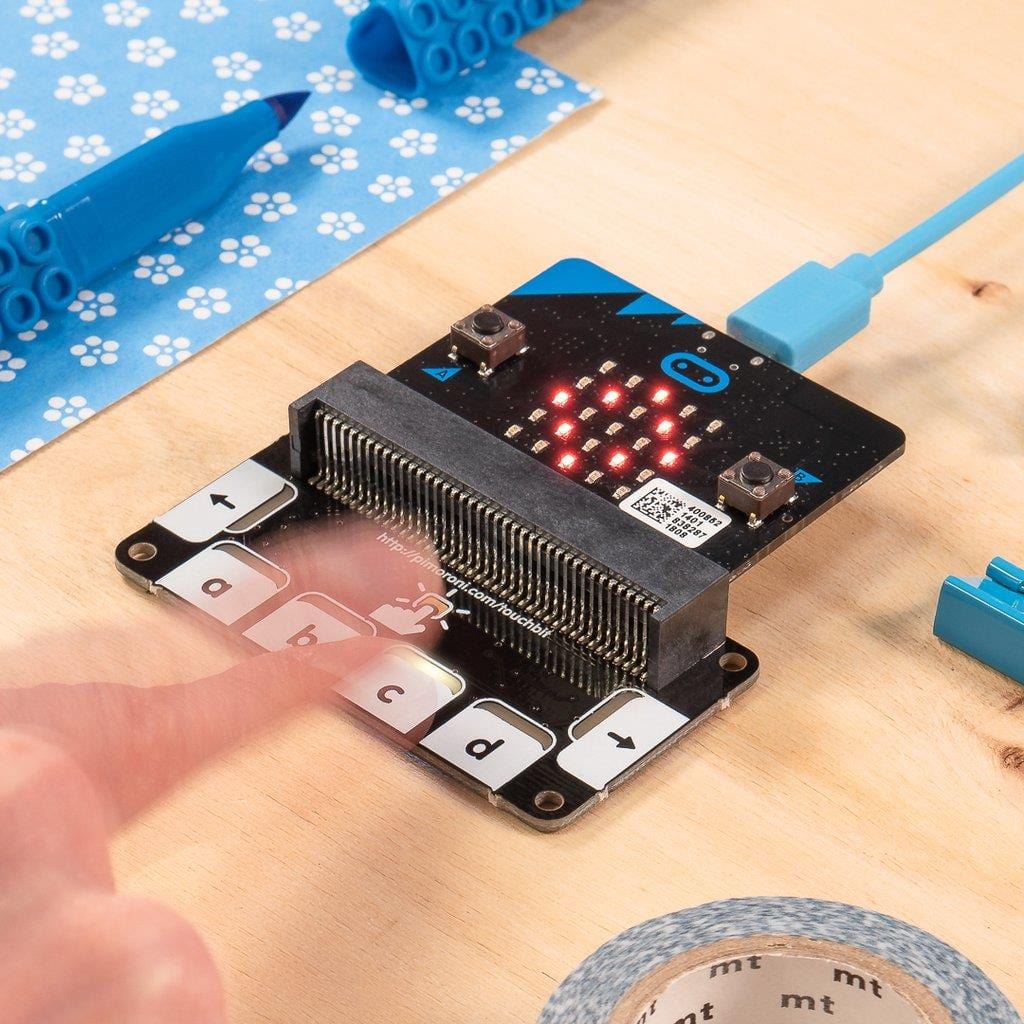
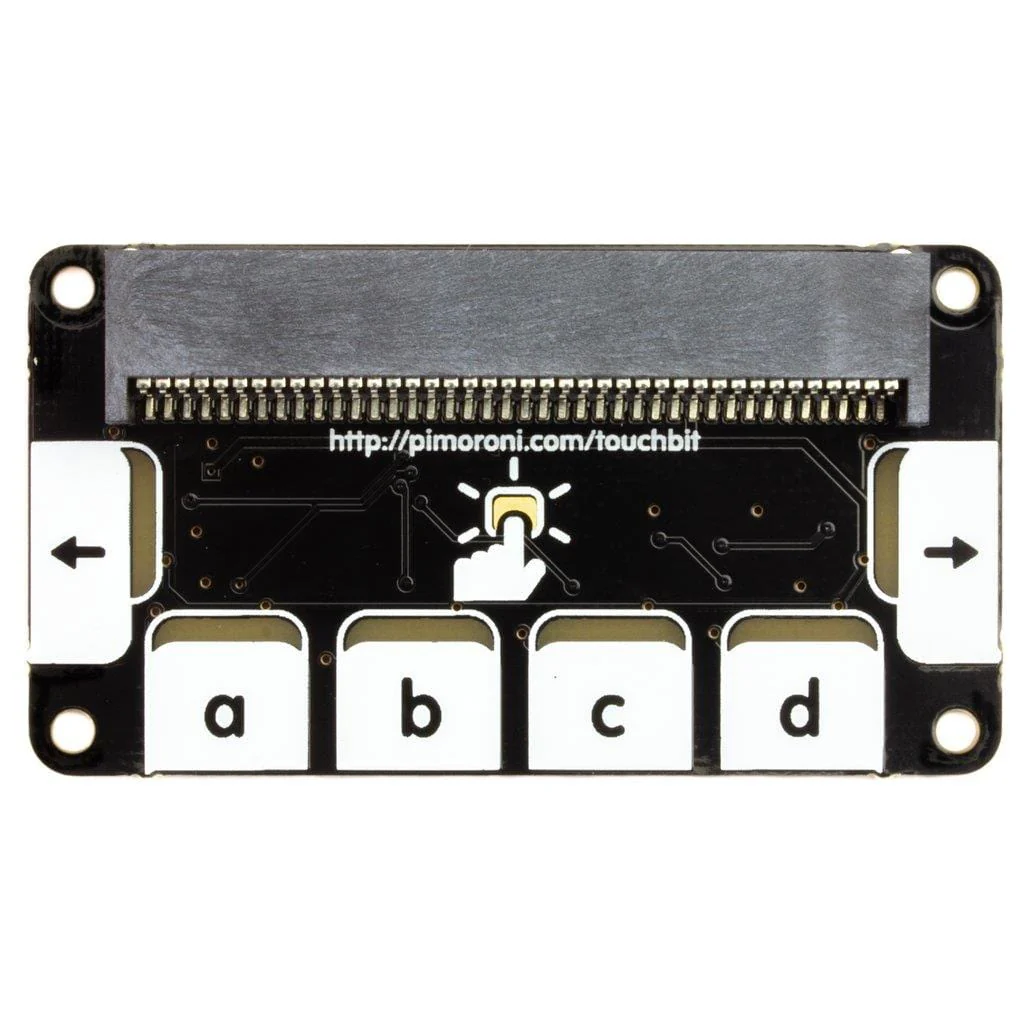
Six handy touch-sensitive buttons and LEDs for your micro:bit. Use touch:bit as a controller for games on micro:bit's LED matrix, or combine it with the radio functionality and use it as a controller for your robot.
Just slot in your micro:bit, then code touch:bit with the block-based Microsoft MakeCode editor. You can easily link functions to specific button presses, have the LEDs on each button light automatically on a touch, or set the LEDs manually.
Features
- Comes fully-assembled and ready to use
- 6 capacitive touch buttons
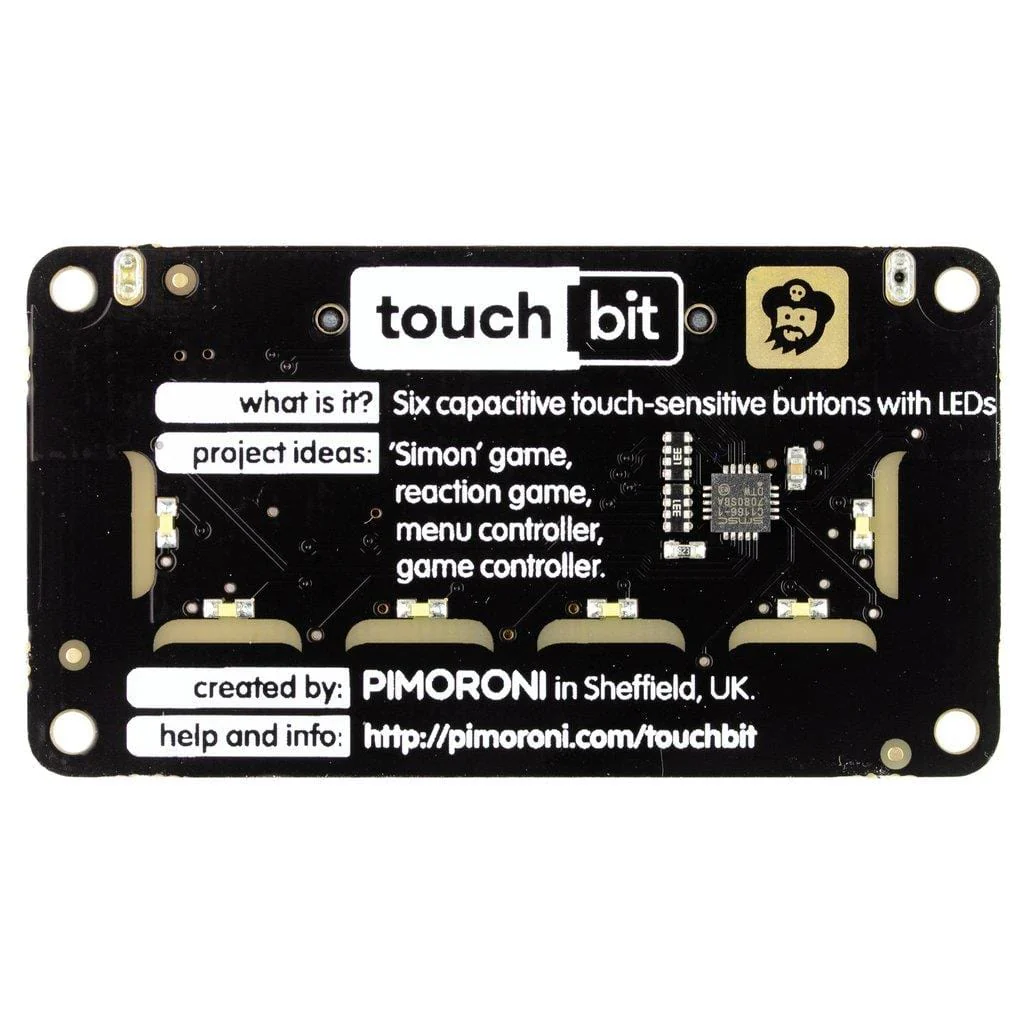
- 6 bright white LEDs
- CAP1166 capacitive touch and LED driver
- Compatible with micro:bit
- Microsoft MakeCode and MicroPython support
- No soldering required!
Software
You can code touch:bit with the block-based Microsoft MakeCode editor.
To add the touch:bit library in MakeCode, click on the cog at the top right hand corner, then "Add Package", then paste in the URL for the library: "https://github.com/pimoroni/pxt-touchbit". You can find full instructions at the GitHub repository for the library.
Original: $14.70
-70%$14.70
$4.41Product Information
Product Information
Shipping & Returns
Shipping & Returns
Description
Six handy touch-sensitive buttons and LEDs for your micro:bit. Use touch:bit as a controller for games on micro:bit's LED matrix, or combine it with the radio functionality and use it as a controller for your robot.
Just slot in your micro:bit, then code touch:bit with the block-based Microsoft MakeCode editor. You can easily link functions to specific button presses, have the LEDs on each button light automatically on a touch, or set the LEDs manually.
Features
- Comes fully-assembled and ready to use
- 6 capacitive touch buttons
- 6 bright white LEDs
- CAP1166 capacitive touch and LED driver
- Compatible with micro:bit
- Microsoft MakeCode and MicroPython support
- No soldering required!
Software
You can code touch:bit with the block-based Microsoft MakeCode editor.
To add the touch:bit library in MakeCode, click on the cog at the top right hand corner, then "Add Package", then paste in the URL for the library: "https://github.com/pimoroni/pxt-touchbit". You can find full instructions at the GitHub repository for the library.