PicoProbe Sled Kit
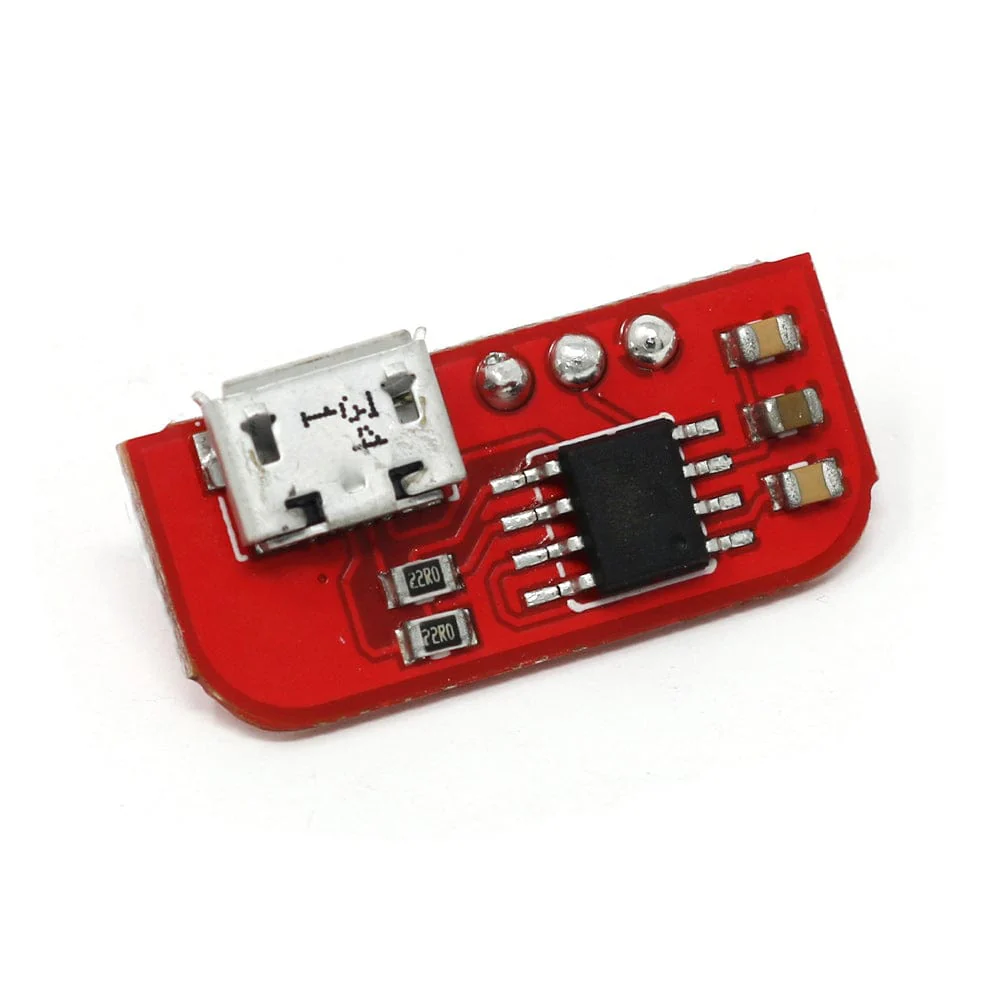
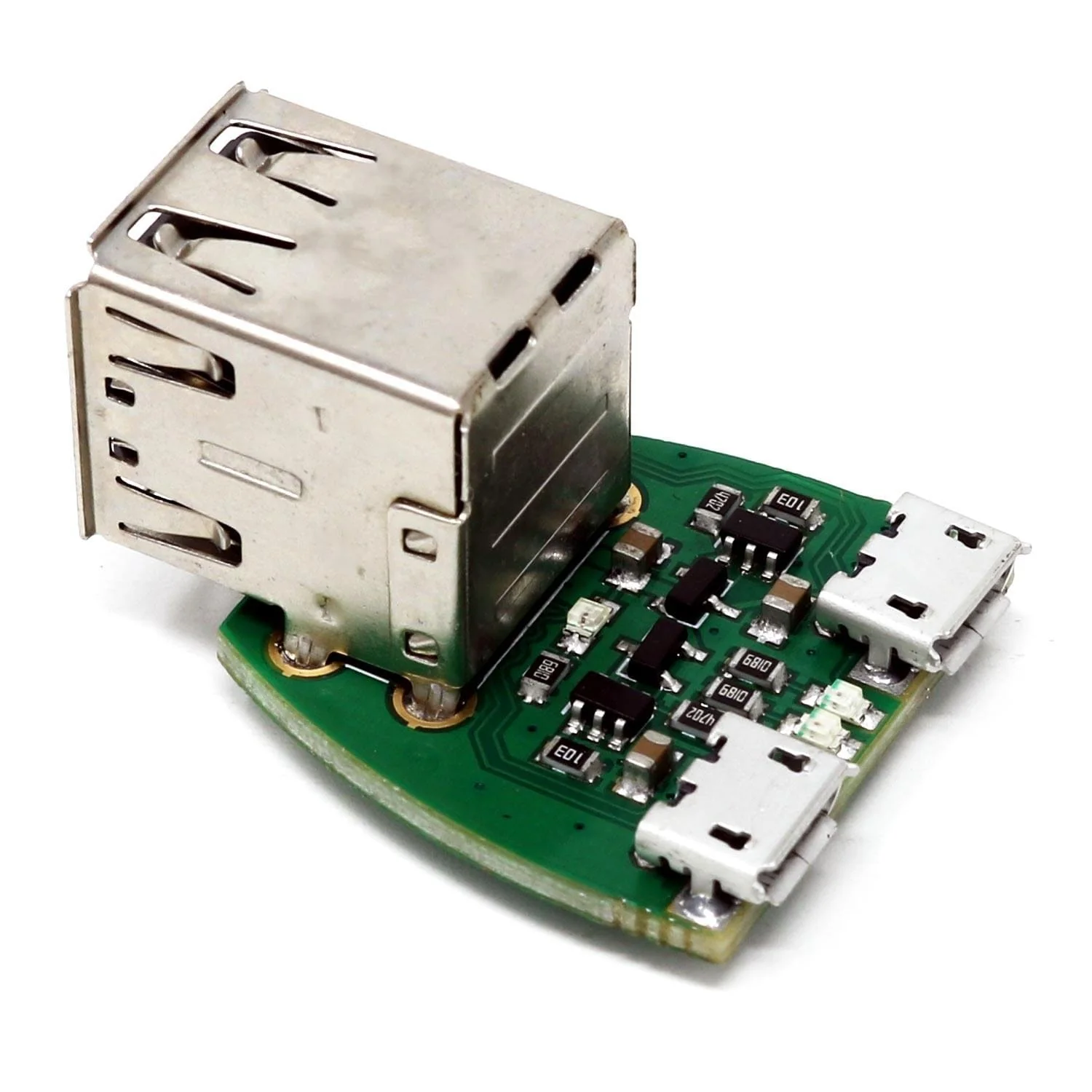
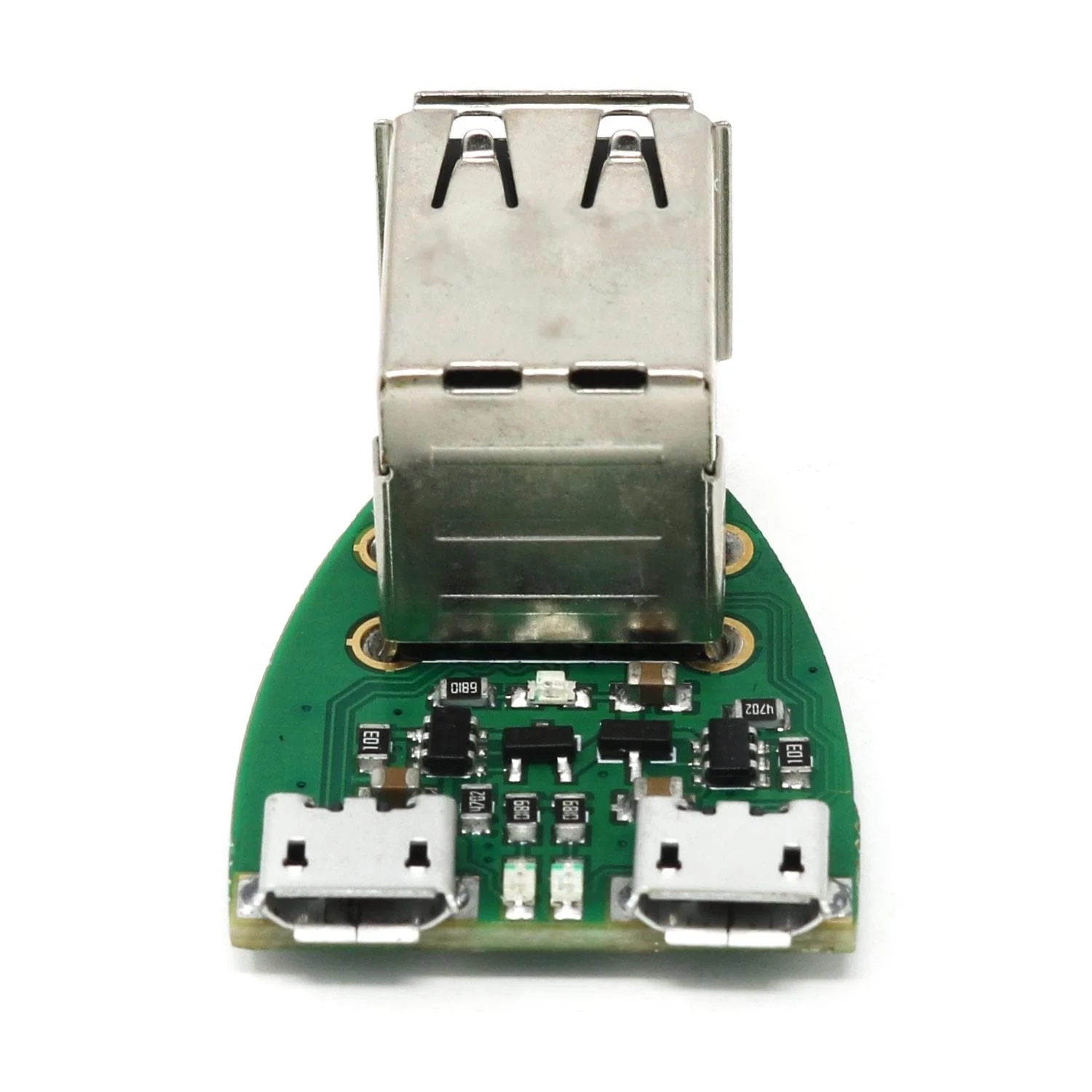
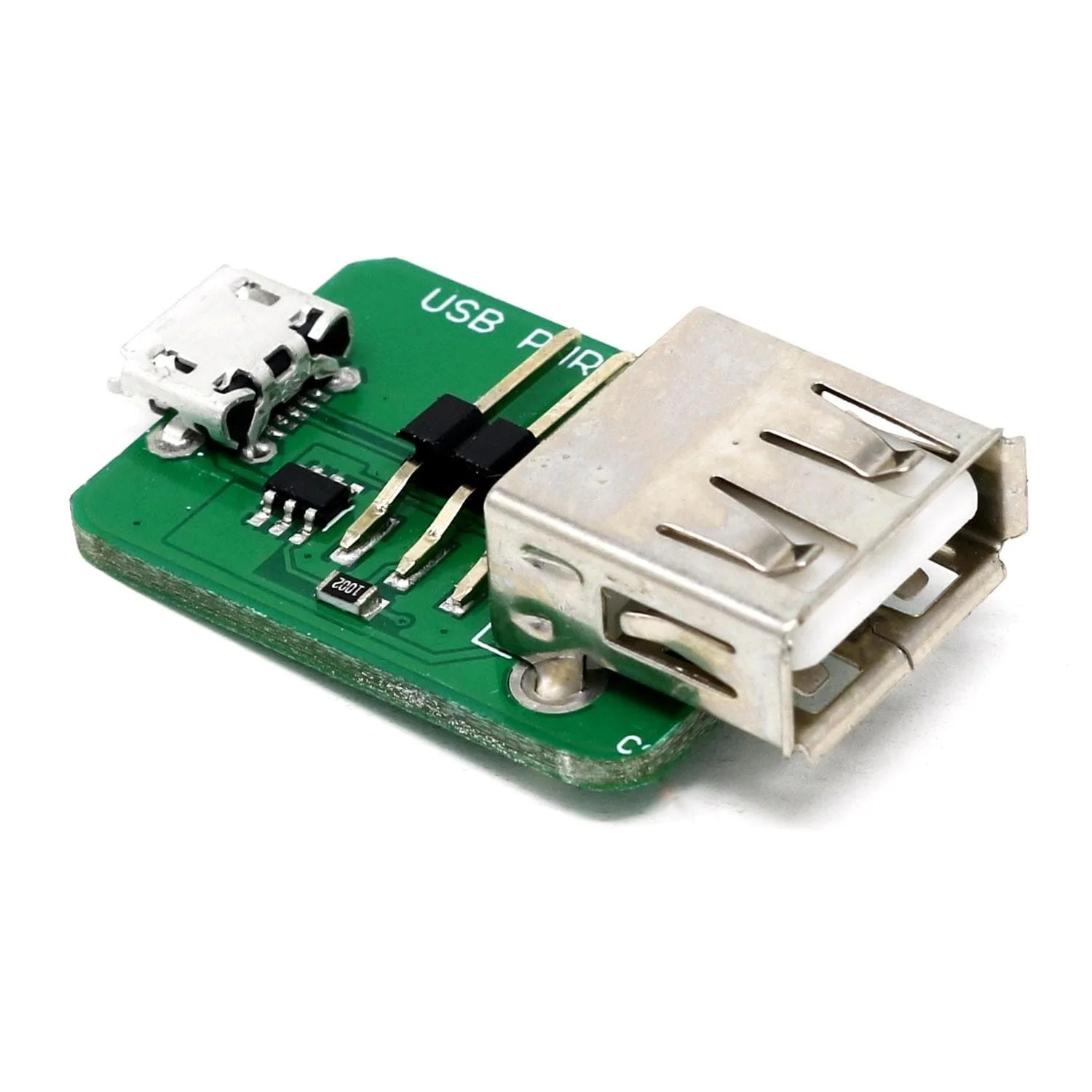
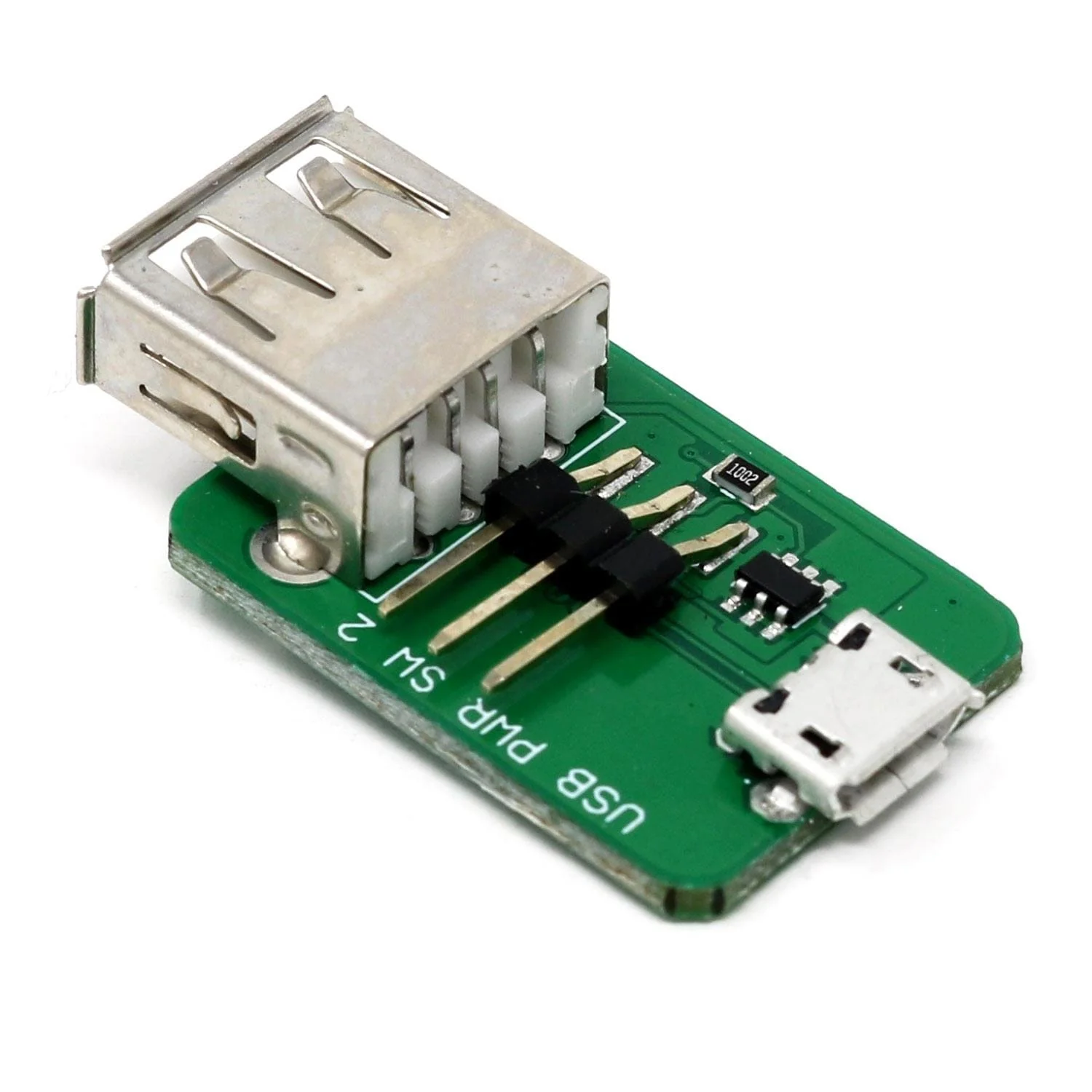
The PicoProbe Sled kit is a simple adaptor with protection resistors used to debug a Raspberry Pi Pico/RP2040 microcontroller using OpenOCD.
Raspberry Pi Pico not included. Assembly (soldering) required!
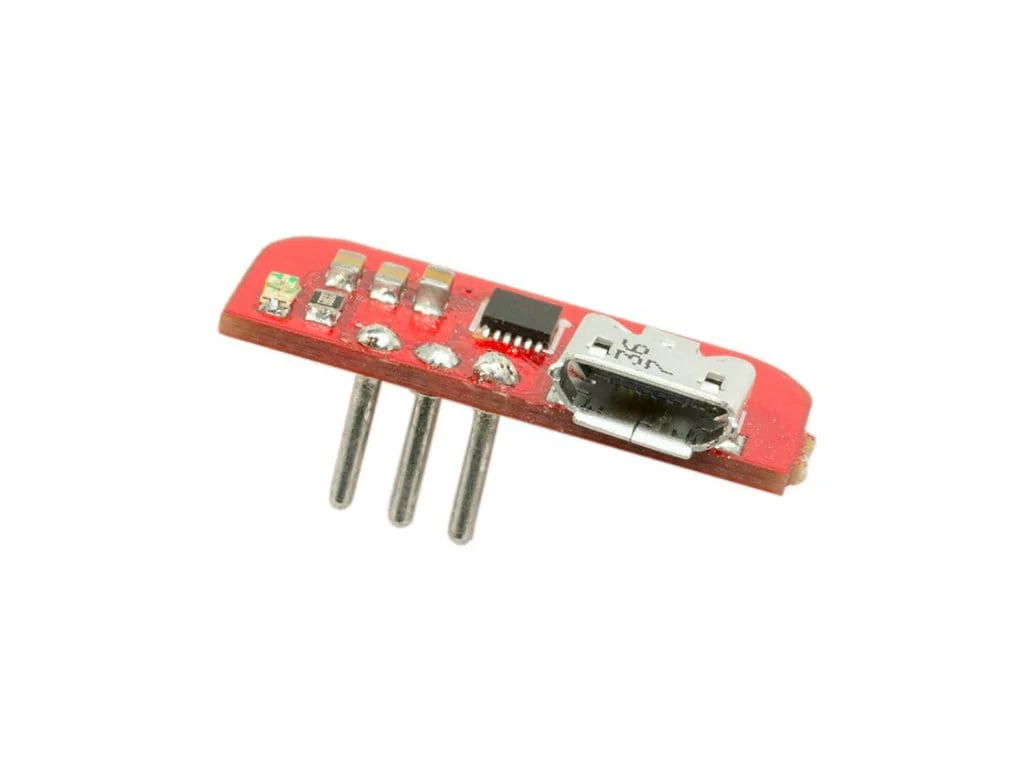
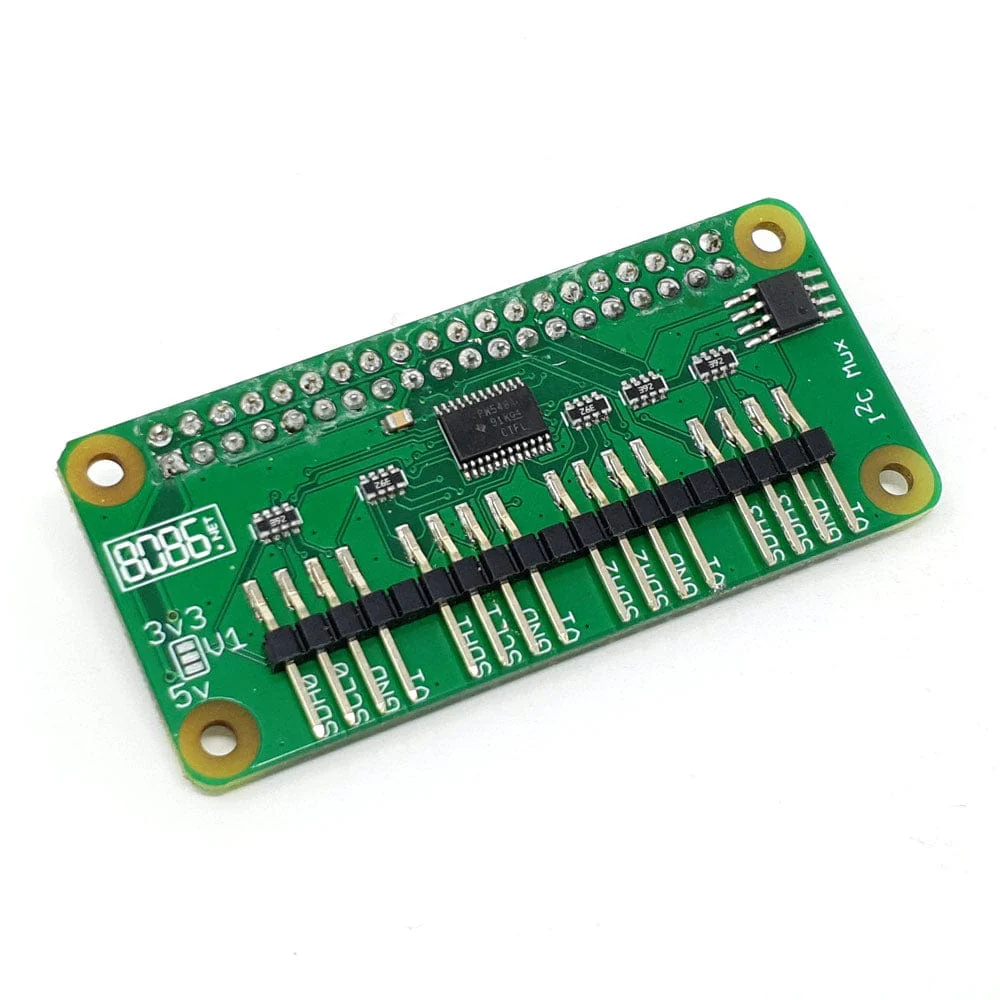
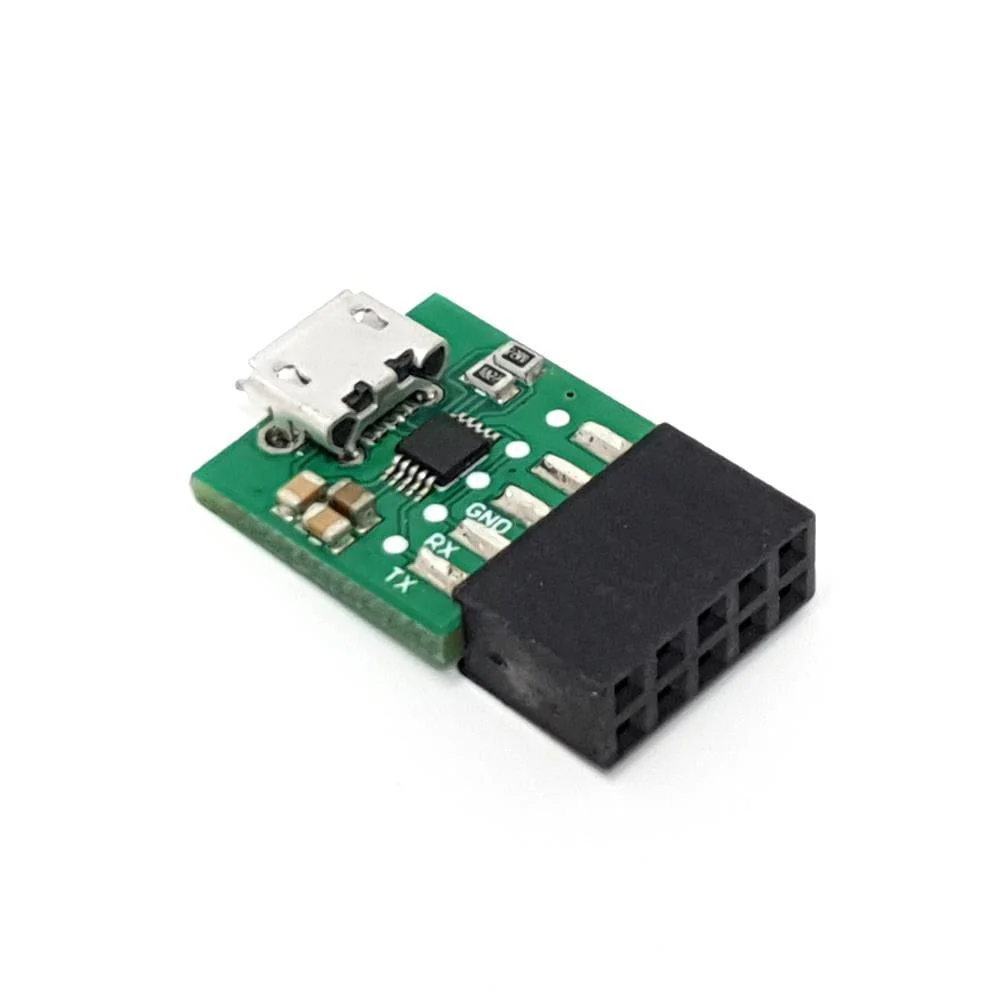
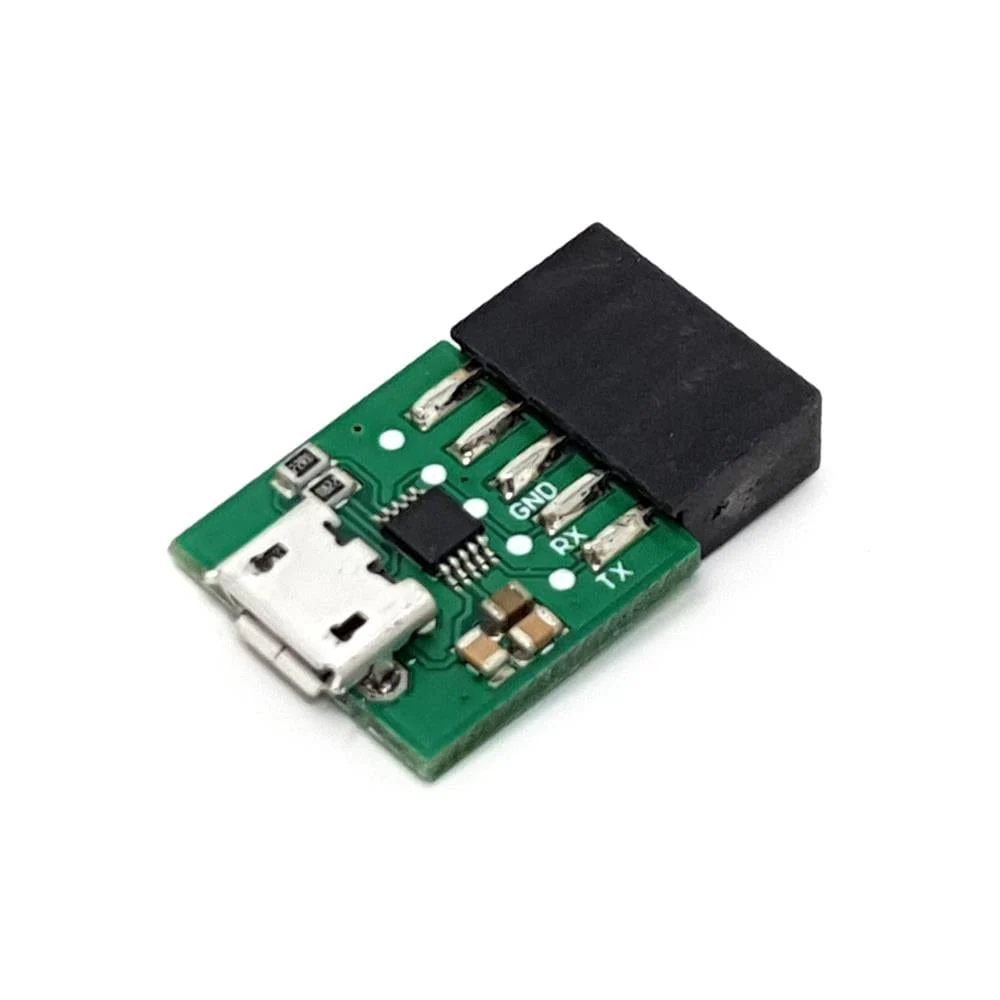
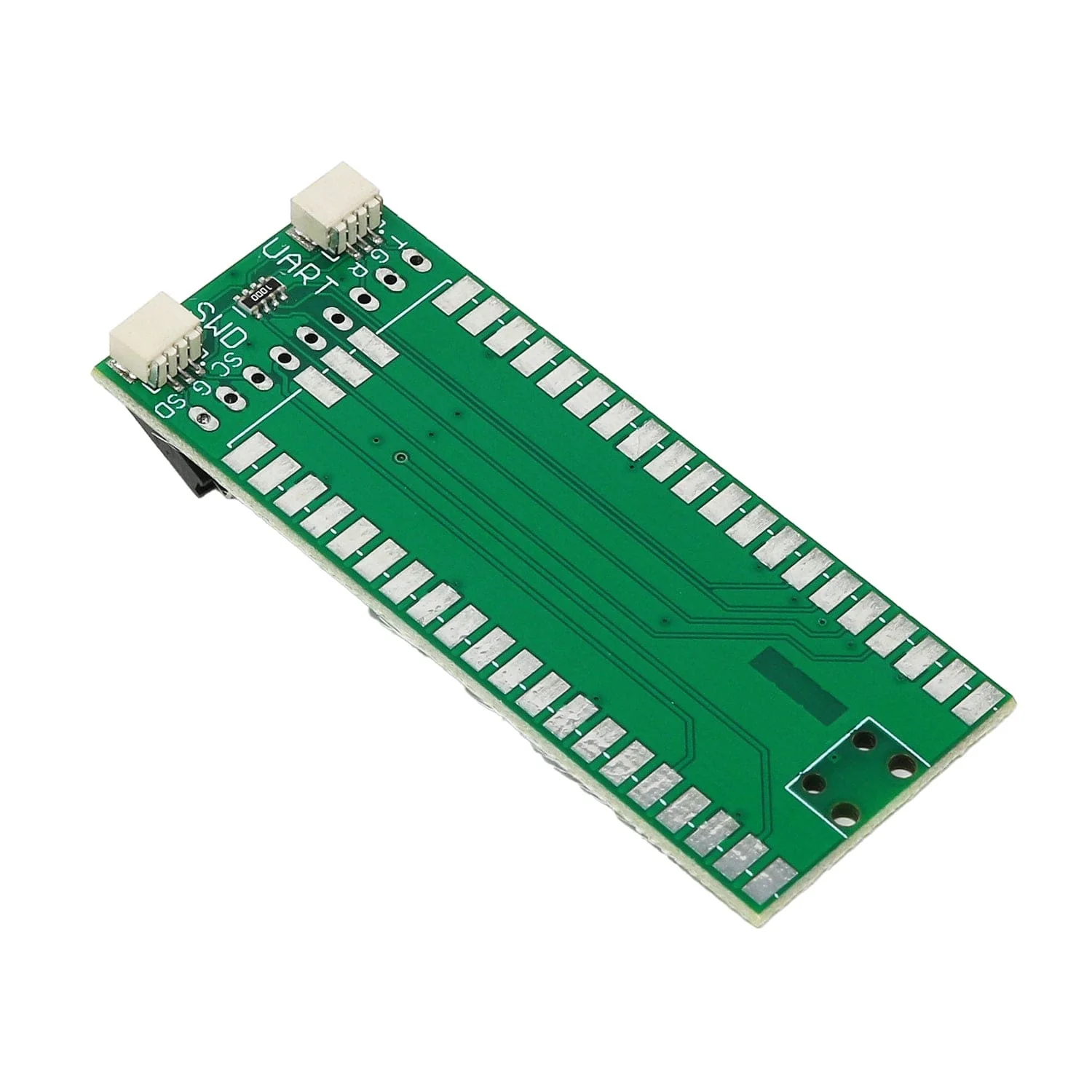
On the top side of the board there are two 3-pin connectors:
- SWD to debug the ARM core
- UART for a serial connection you can connect to the target device
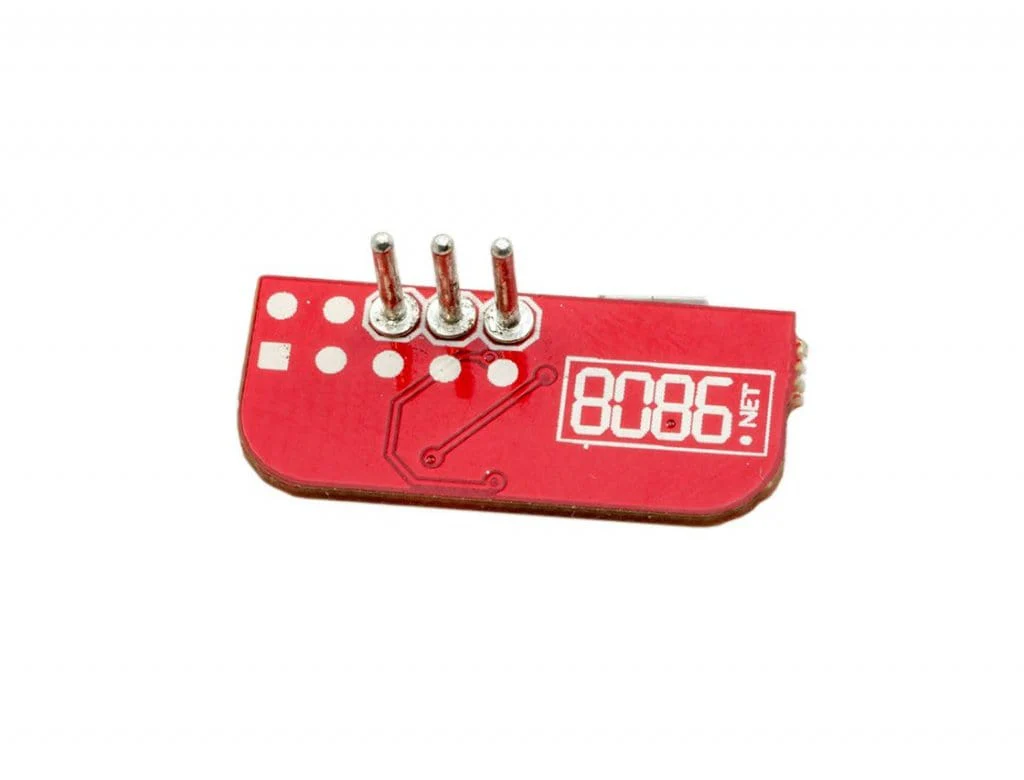
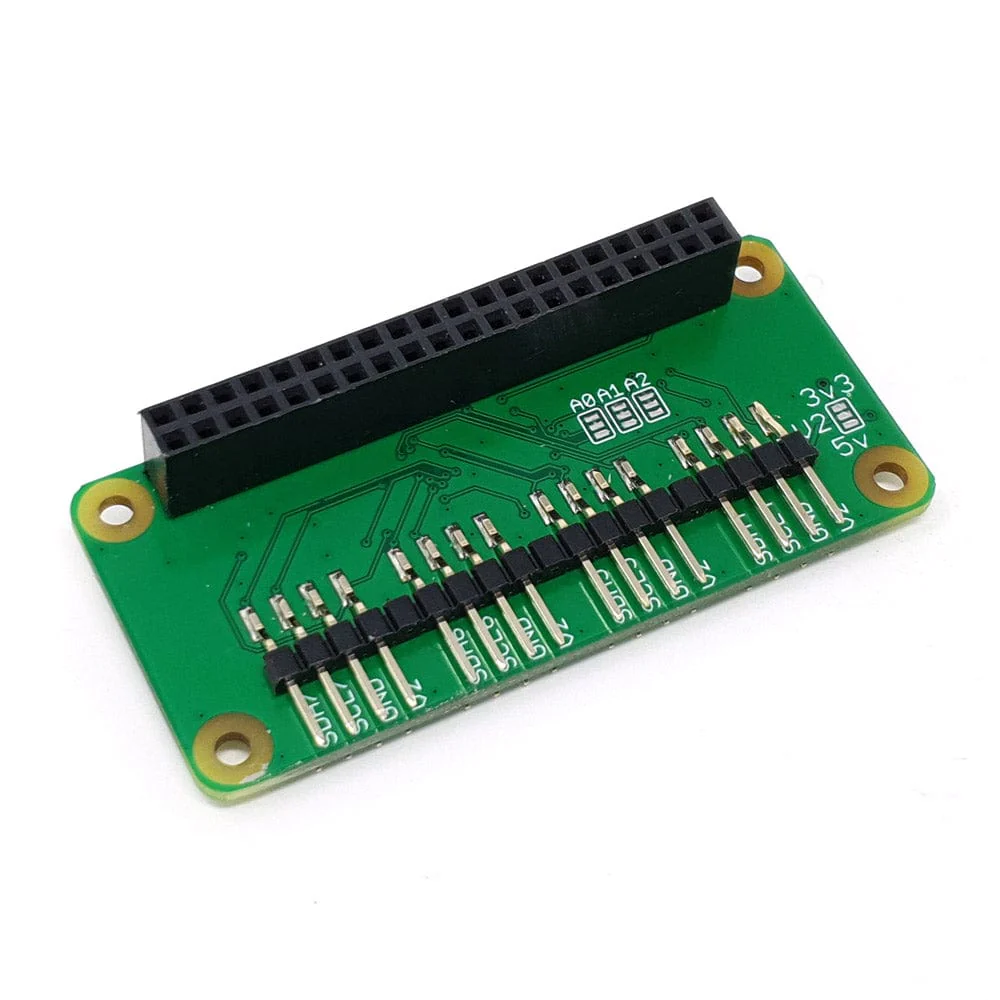
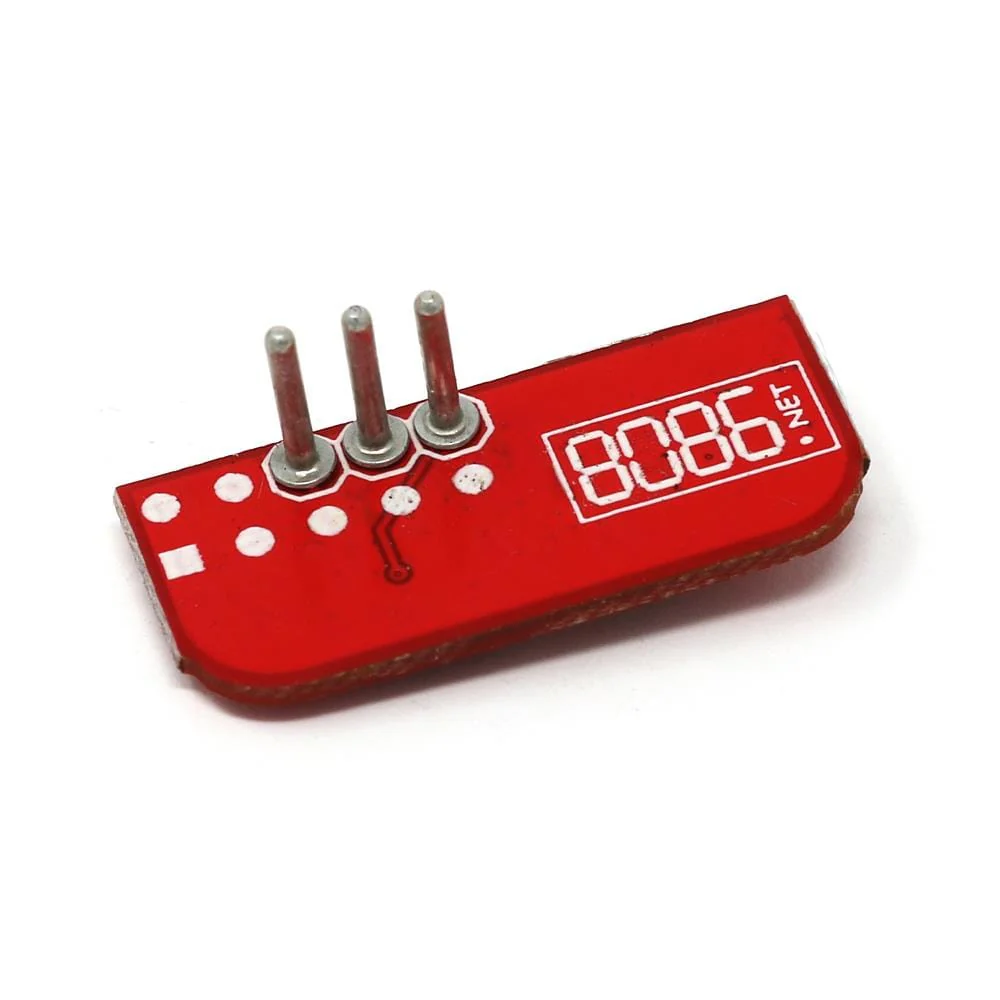
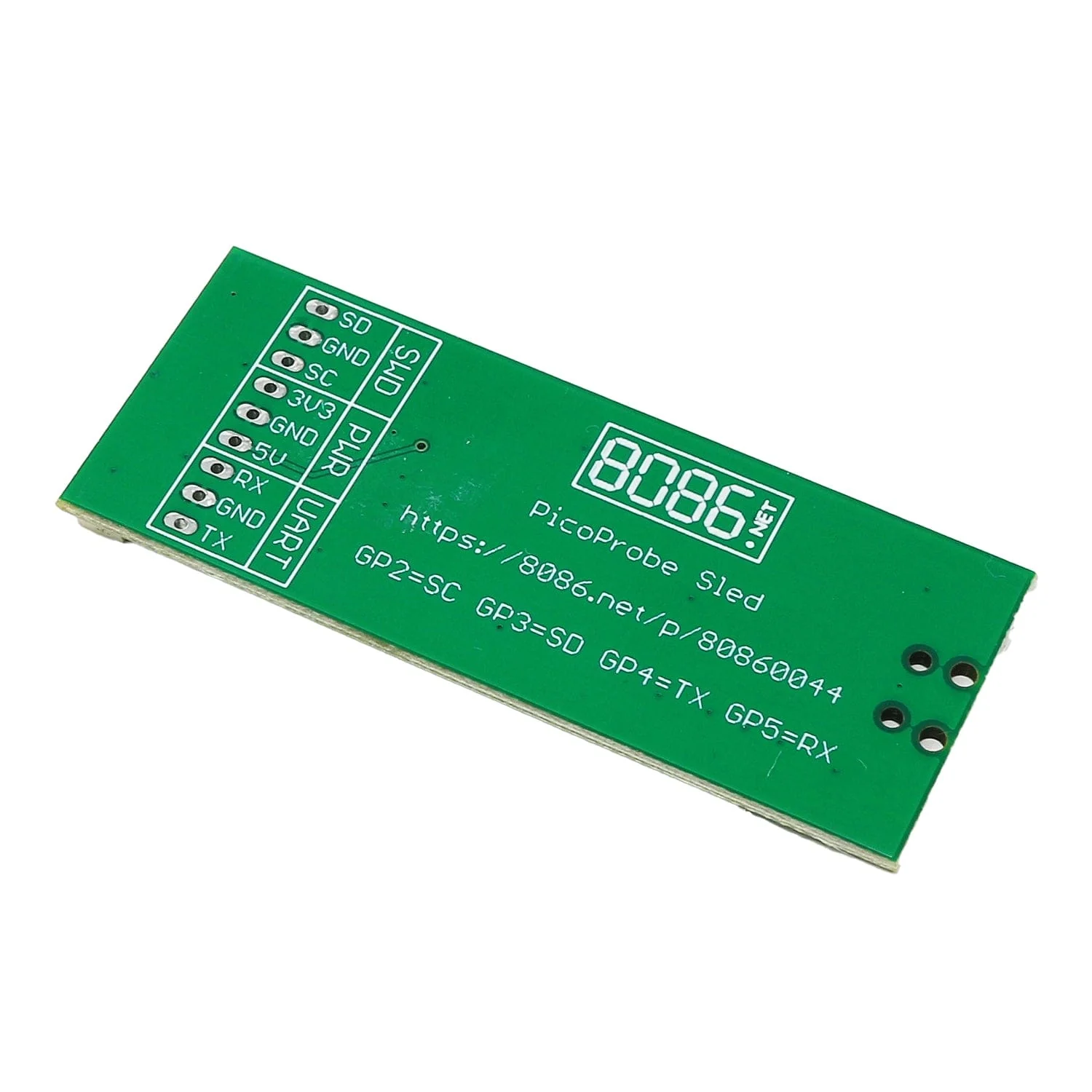
On the underside of the board, there's a 9-pin 0.1" header which replicates the SWD and UART interfaces and adds both 5V and 3.3V power. The SWD/UART pins on the 9-pin connector can be used with jumper wires and a breadboard for example.
The GPIO pins are 3.3V only but the 5V output could be used to power a Pico you're debugging for example.
After soldering your own Raspberry Pi Pico onto the board, will need to upload the picoprobe firmware which can be downloaded from Github. Documentation for downloading OpenOCD and using the PicoProbe firmware can be found in the official Pico Getting Started Guide (Appendix A: Using Picoprobe section).
Important Notes
- You will need a Raspberry Pi Pico without headers (not the H version)
- The PiProbe is used to debug a Pico from a Raspberry Pi directly. As described in section 8.1. Debugging your project of Pico Getting Started Guide.
- The PicoProbe Sled to used to debug another Pico from a computer (Windows/MacOX/Linux) as a debug tool providing the SWD and UART interfaces as described in section Appendix A: Using Picoprobe of Pico Getting Started Guide
- Connecting the SWD connectors on the 8086 PiProbe (available separately) and PicoProbe Sled together will not allow you to debug the Pico on the PicoProbe Sled
Resources
- PicoProbe Software
- Pico Getting Started Guide
-
OpenOCD
Pinout
The GPIO pins of the onboard Pico are connected as below:
| Pico GPIO | 3-pin/9-pin name | Usage |
| GP2 | SC | Connect to target SC (SWD Clock) |
| GP3 | SD | Connect to target SD (SWD Data) |
| GP4 | TX | Connect to target UART RX |
| GP5 | RX | Connect to target UART TX |
Package Contents
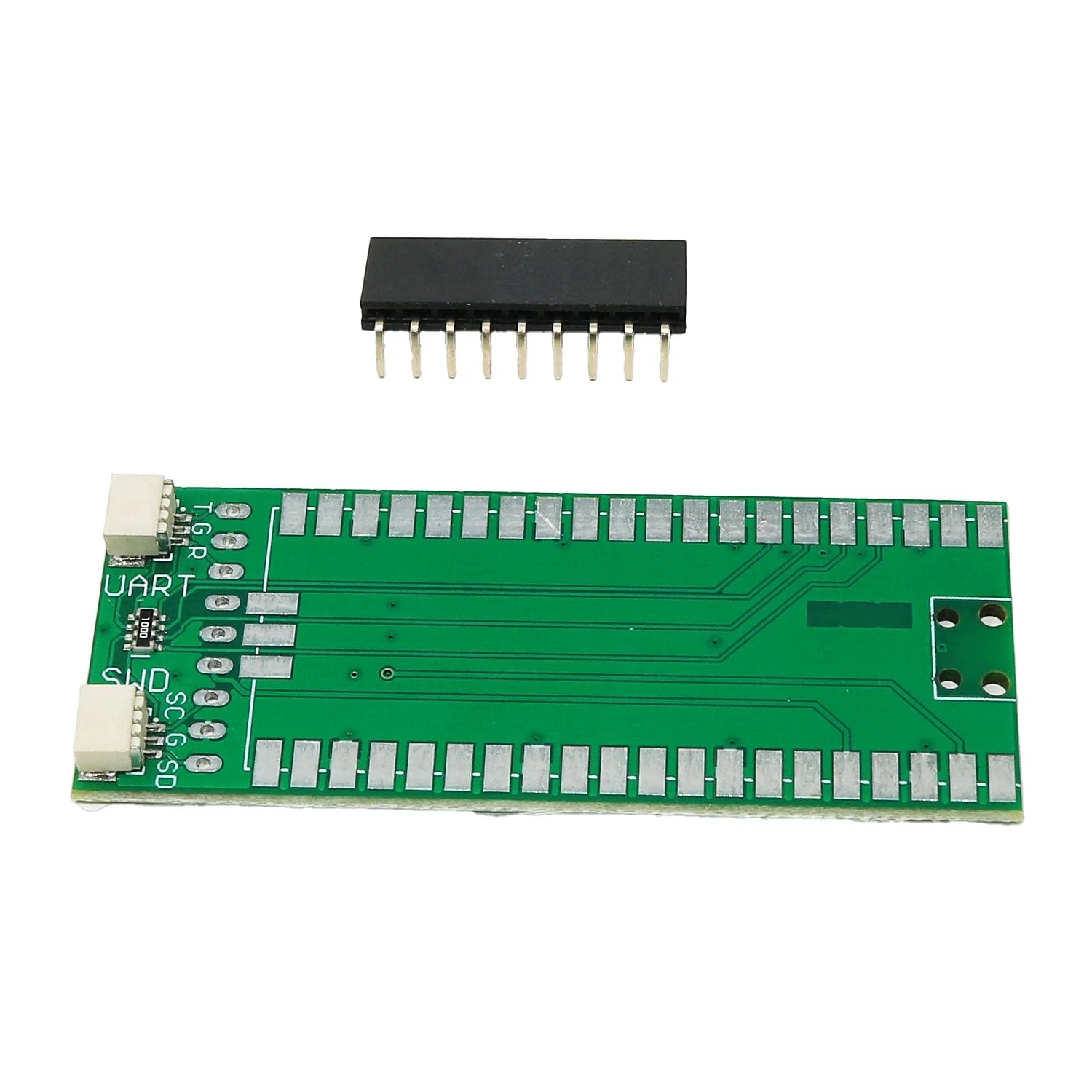
- 1x PicoProbe Sled Kit (assembly/soldering required)
- 1x 9-pin connector
Raspberry Pi Pico not included
Product Information
Product Information
Shipping & Returns
Shipping & Returns
Description
The PicoProbe Sled kit is a simple adaptor with protection resistors used to debug a Raspberry Pi Pico/RP2040 microcontroller using OpenOCD.
Raspberry Pi Pico not included. Assembly (soldering) required!
On the top side of the board there are two 3-pin connectors:
- SWD to debug the ARM core
- UART for a serial connection you can connect to the target device
On the underside of the board, there's a 9-pin 0.1" header which replicates the SWD and UART interfaces and adds both 5V and 3.3V power. The SWD/UART pins on the 9-pin connector can be used with jumper wires and a breadboard for example.
The GPIO pins are 3.3V only but the 5V output could be used to power a Pico you're debugging for example.
After soldering your own Raspberry Pi Pico onto the board, will need to upload the picoprobe firmware which can be downloaded from Github. Documentation for downloading OpenOCD and using the PicoProbe firmware can be found in the official Pico Getting Started Guide (Appendix A: Using Picoprobe section).
Important Notes
- You will need a Raspberry Pi Pico without headers (not the H version)
- The PiProbe is used to debug a Pico from a Raspberry Pi directly. As described in section 8.1. Debugging your project of Pico Getting Started Guide.
- The PicoProbe Sled to used to debug another Pico from a computer (Windows/MacOX/Linux) as a debug tool providing the SWD and UART interfaces as described in section Appendix A: Using Picoprobe of Pico Getting Started Guide
- Connecting the SWD connectors on the 8086 PiProbe (available separately) and PicoProbe Sled together will not allow you to debug the Pico on the PicoProbe Sled
Resources
- PicoProbe Software
- Pico Getting Started Guide
-
OpenOCD
Pinout
The GPIO pins of the onboard Pico are connected as below:
| Pico GPIO | 3-pin/9-pin name | Usage |
| GP2 | SC | Connect to target SC (SWD Clock) |
| GP3 | SD | Connect to target SD (SWD Data) |
| GP4 | TX | Connect to target UART RX |
| GP5 | RX | Connect to target UART TX |
Package Contents
- 1x PicoProbe Sled Kit (assembly/soldering required)
- 1x 9-pin connector
Raspberry Pi Pico not included