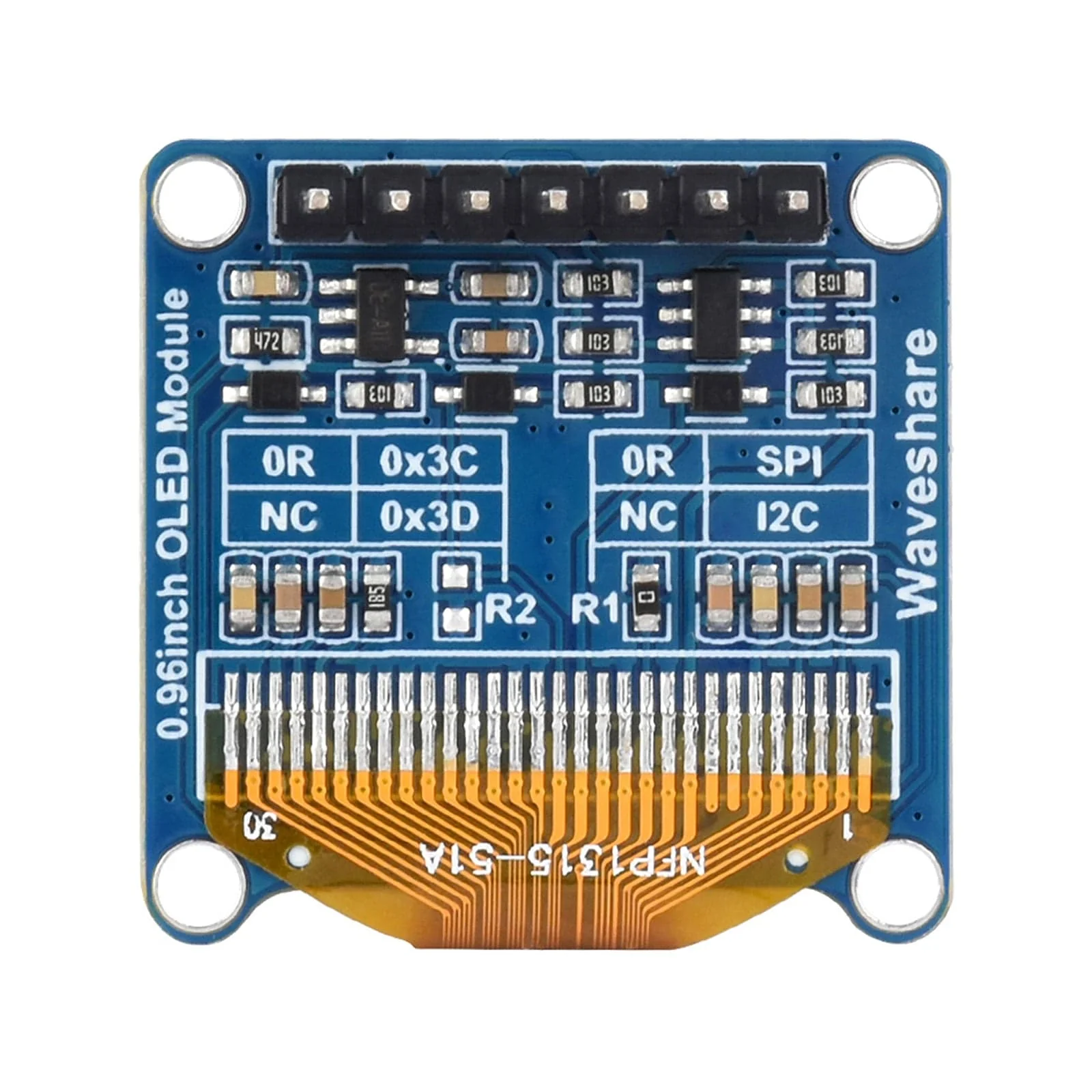
Blue 0.96" OLED Display Module (128x64)
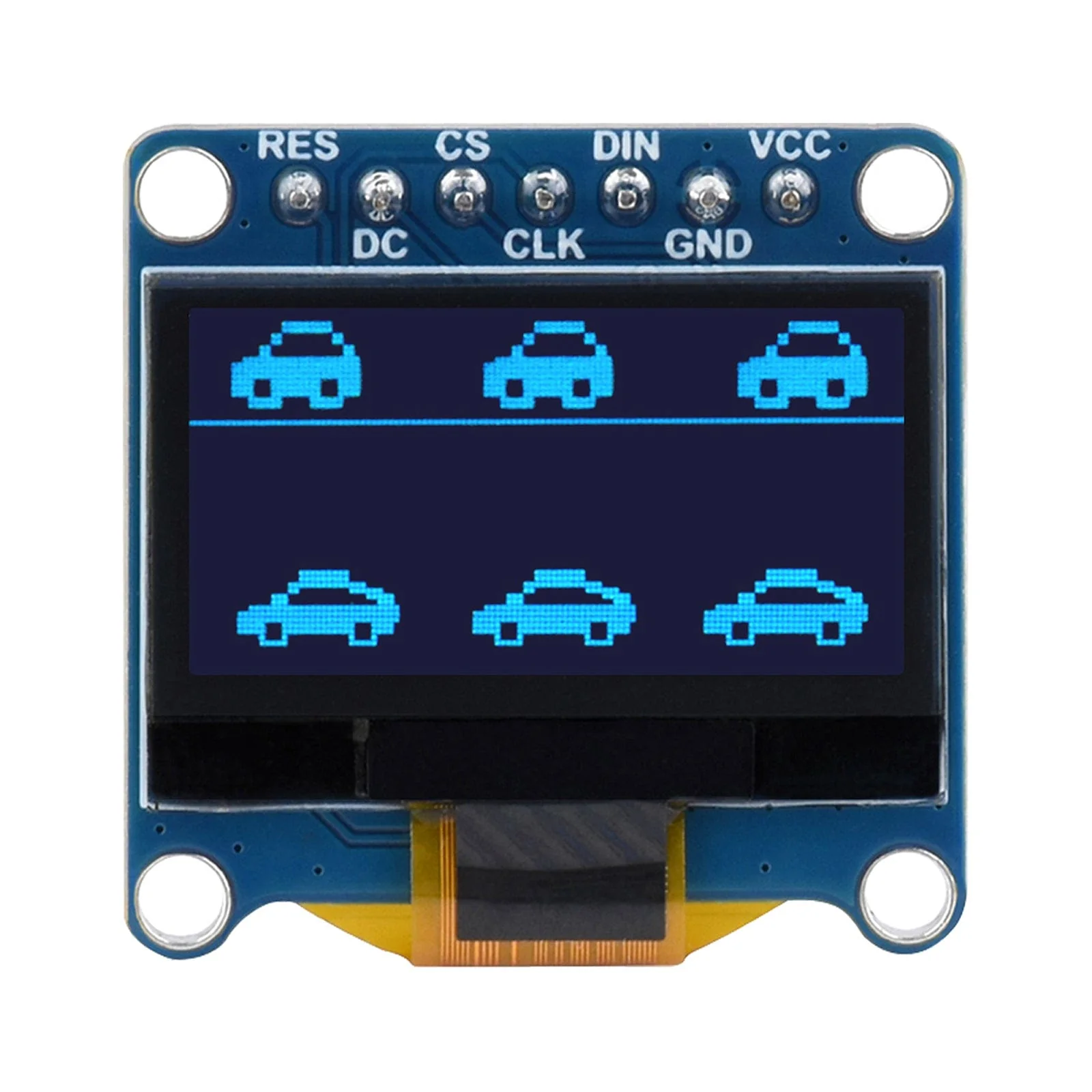
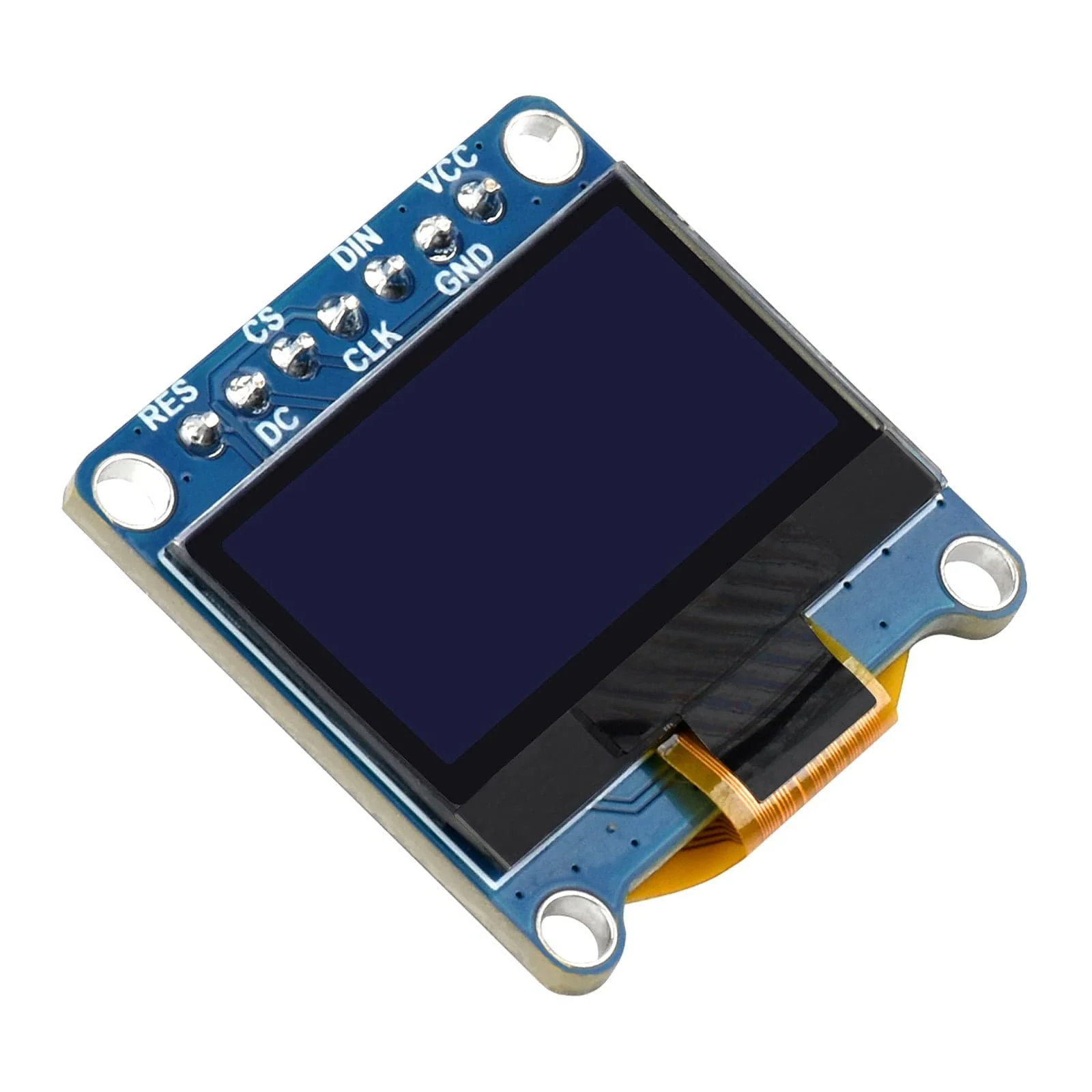
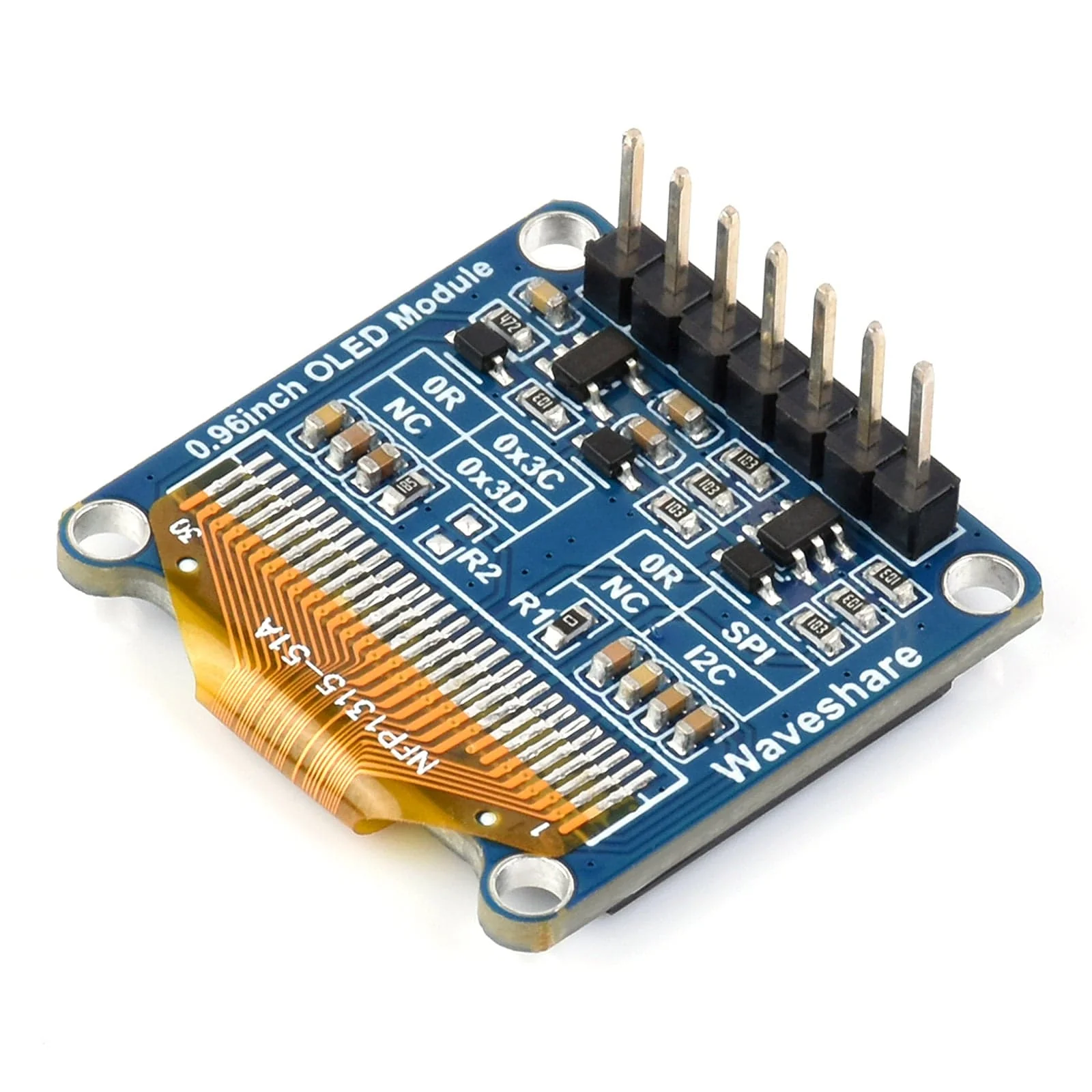
This blue 128x64 OLED module has an SPI/I2C interface for a fast data rate, and it allows you to connect to many different development boards, including Raspberry Pi, Arduino, STM32, and others!
With its sky blue colour, an SSD1315 driver, and an ultra-narrow bezel with an onboard voltage translator, this is a small but powerful module that you can use with many different projects!
Small OLED modules are a popular option for adding a simple display to your project for monitoring data, displaying IP addresses, weather, counters or anything else you decide to code!
Be sure to check out our tutorial showing how to use this with the Raspberry Pi Pico using I2C or check out Tony's article showing how to use it with a Pico and SPI!
Note: Does NOT come with a Raspberry Pi board
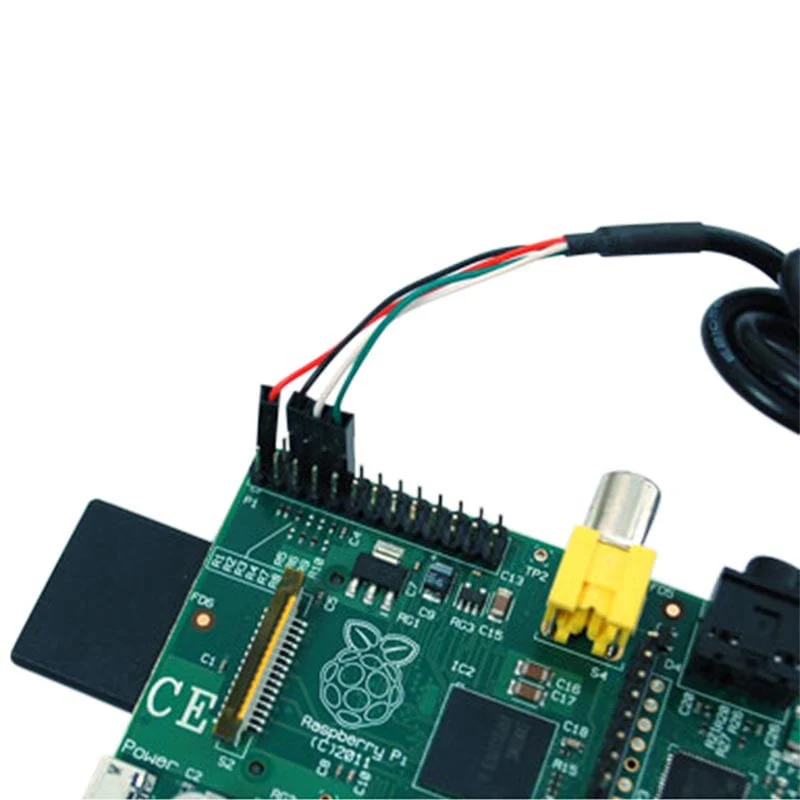
Connection Example - Raspberry Pi via SPI Interface

Features
- Ultra-narrow bezel, compact size, with onboard voltage translator
- 4-wire SPI and I2C interfaces, better compatibility, fast data rate
- Comes with online development resources (examples for Raspberry Pi/Arduino/STM32)
Specifications
| OPERATING VOLTAGE | 3.3V / 5V |
| RESOLUTION | 128 × 64 pixels |
| COMMUNICATION INTERFACE | 4-wire SPI / I2C |
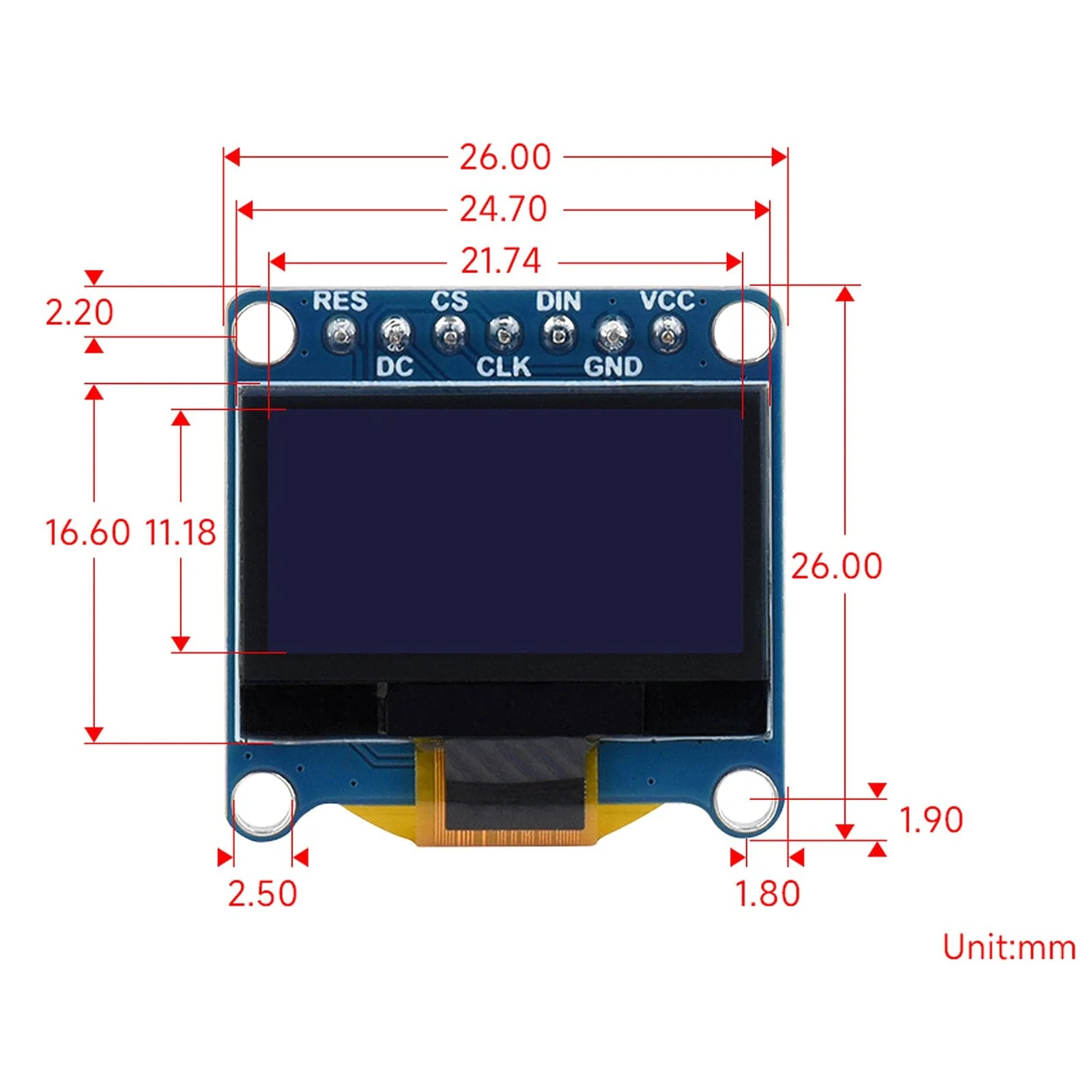
| DISPLAY SIZE | 21.74 × 11.18 mm |
| DISPLAY COLOUR | (C): upper yellow & lower blue; (D): white; (E): blue |
| DISPLAY PANEL | OLED |
| PIXEL SIZE | 0.15 × 0.15 mm |
| DRIVER | SSD1315 |
| MODULE SIZE | 26.00 × 26.00mm |
Resources
- Product Wiki
-
Using an SSD1315 OLED with the Raspberry Pi Pico (I2C)
- MicroPython Skill Builders - #7 SPI OLED Displays
Pinout

| RES | Reset, low active |
| DC | Data/Command selection (high for data, low for command) |
| CS | Chip selection, low active |
| CLK | Clock input |
| DIN | Data input |
| GND | Ground |
| VCC | Power (3.3V / 5V input) |
Package Contents
- 1x 0.96" OLED Module
- 1x Jumper cable female-female (7-pin)
Product Information
Product Information
Shipping & Returns
Shipping & Returns
Description
This blue 128x64 OLED module has an SPI/I2C interface for a fast data rate, and it allows you to connect to many different development boards, including Raspberry Pi, Arduino, STM32, and others!
With its sky blue colour, an SSD1315 driver, and an ultra-narrow bezel with an onboard voltage translator, this is a small but powerful module that you can use with many different projects!
Small OLED modules are a popular option for adding a simple display to your project for monitoring data, displaying IP addresses, weather, counters or anything else you decide to code!
Be sure to check out our tutorial showing how to use this with the Raspberry Pi Pico using I2C or check out Tony's article showing how to use it with a Pico and SPI!
Note: Does NOT come with a Raspberry Pi board
Connection Example - Raspberry Pi via SPI Interface
Features
- Ultra-narrow bezel, compact size, with onboard voltage translator
- 4-wire SPI and I2C interfaces, better compatibility, fast data rate
- Comes with online development resources (examples for Raspberry Pi/Arduino/STM32)
Specifications
| OPERATING VOLTAGE | 3.3V / 5V |
| RESOLUTION | 128 × 64 pixels |
| COMMUNICATION INTERFACE | 4-wire SPI / I2C |
| DISPLAY SIZE | 21.74 × 11.18 mm |
| DISPLAY COLOUR | (C): upper yellow & lower blue; (D): white; (E): blue |
| DISPLAY PANEL | OLED |
| PIXEL SIZE | 0.15 × 0.15 mm |
| DRIVER | SSD1315 |
| MODULE SIZE | 26.00 × 26.00mm |
Resources
- Product Wiki
-
Using an SSD1315 OLED with the Raspberry Pi Pico (I2C)
- MicroPython Skill Builders - #7 SPI OLED Displays
Pinout
| RES | Reset, low active |
| DC | Data/Command selection (high for data, low for command) |
| CS | Chip selection, low active |
| CLK | Clock input |
| DIN | Data input |
| GND | Ground |
| VCC | Power (3.3V / 5V input) |
Package Contents
- 1x 0.96" OLED Module
- 1x Jumper cable female-female (7-pin)